1
book.book Page 69 Monday, June 24, 2013 10:53 AM
5
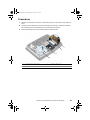
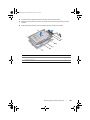
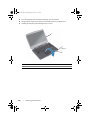
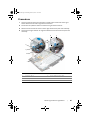
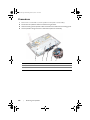
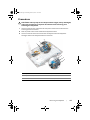
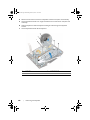
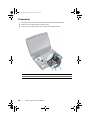
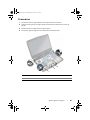
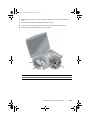
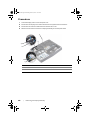
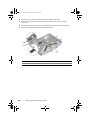
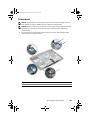
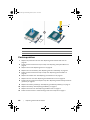
Turn the computer over and open the display as far as possible.
6
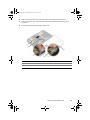
Remove the display, camera, and antenna cables from the slots on the computer
base.
7
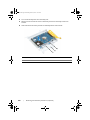
Note the display, camera and antenna cable-routing and remove the cables from
their routing guides.
8
Slide the cables through the slots on the computer base.
9
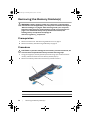
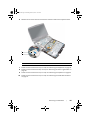
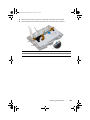
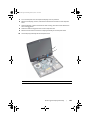
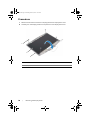
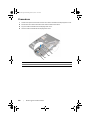
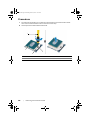
Remove the screws that secure the display assembly to the computer base.
10
Lift the display assembly off the computer base.
1
2
1
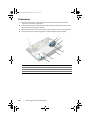
display assembly
2
screws (4)
Removing the Display Assembly
|
69