1
Section 3 - Configuration
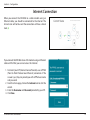
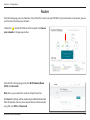
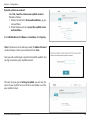
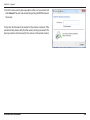
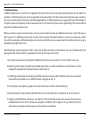
After logging in, you will see the Current Status page. If the Internet
icon is blue and there is a green mark, the connection to the
Internet is successful and the device is ready for use!
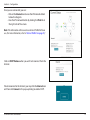
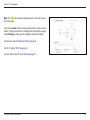
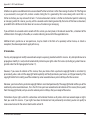
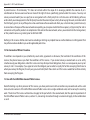
If the Internet icon is grey and there is an
icon above the
Internet icon, refer to :
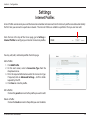
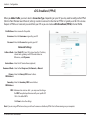
• “xDSL Broadband (PPPoE)” on page 31 if you are using
a xDSL modem.
• “3G/4G Wireless USB” on page 32 if you are using a
3G/4G USB adapter.
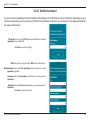
• “Wi-Fi Hotspot Client” on page 33 if you are connecting
to a Wi-Fi hotspot.
D-Link DIR-508L User Manual
14