1
INSERTING/REMOVING YOUR iPAD
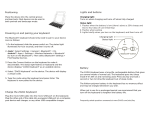
To insert the iPad® MINI, have keyboard closest to you
with iPad home button on the right and snap the iPad
into the grooves, making sure it is firmly set in place.
To remove the iPad, snap it gently out of the casing.
POSITIONING AND POWERING ON
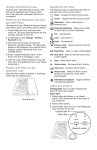
To power on your keyboard, press the power button. The
LED status light with illuminate red for 5 seconds, and
To position, pull out the kickstand and lean back.