1
2
3
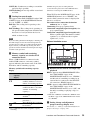
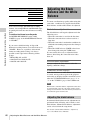
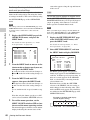
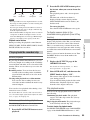
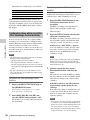
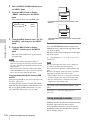
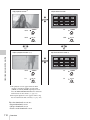
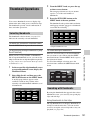
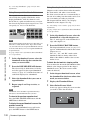
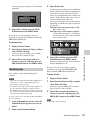
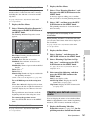
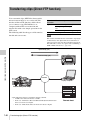
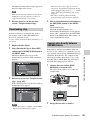
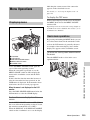
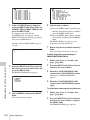
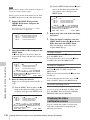
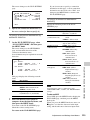
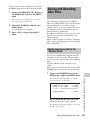
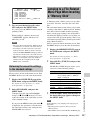
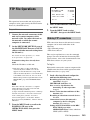
Start the browser on the computer, and
enter “http://IP_address_of_this_unit/”
in the address bar of the browser, and
then press the Enter key.
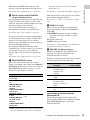
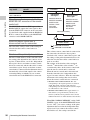
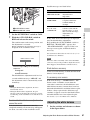
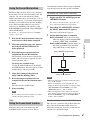
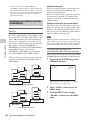
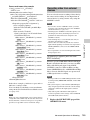
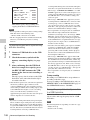
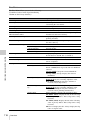
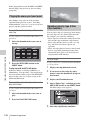
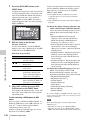
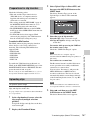
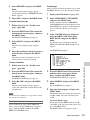
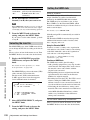
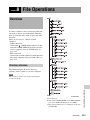
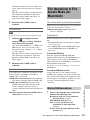
To display disc properties
Click “Disc Properties” in the Disc menu.
The disc properties of this unit appear in the
Disc Properties page.
For example, if the IP address of this unit is
“192.168.001.010”, enter “http://
192.168.1.10/”.
If the connection succeeds, you will be
prompted to enter a user name and a
password.
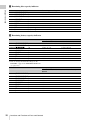
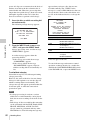
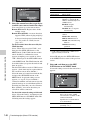
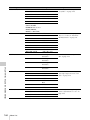
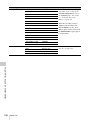
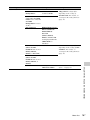
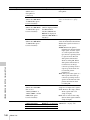
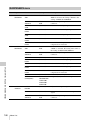
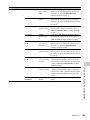
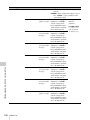
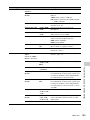
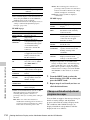
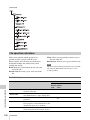
See “Checking disc properties” (page 139) for
more information about the various properties.
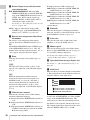
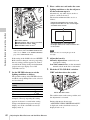
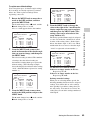
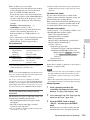
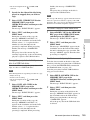
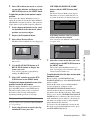
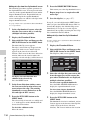
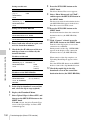
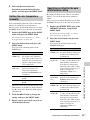
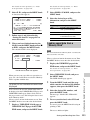
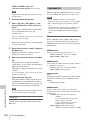
Enter your user name and password,
and then press the Enter key.
The user name and password are set to the
following when the unit is shipped from the
factory.
• User name: admin
• Password: Model name (“pdw-f800” or
“pdw-700”)
After the user name and password are
verified, an XDCAM web page appears.
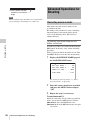
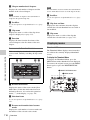
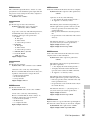
To display disc and clip properties
Insert a disc into this unit, and put this
unit into the following state.
• Recording, playback, search and other disc
operations: Stopped
• THUMBNAIL button: Off
• Disc access by Lock or Delete All Clips,
Format Disc, and so on in the Disc Menu:
Stopped
• Setting of CACHE/INTVAL REC on the
REC FUNCTION page of the
OPERATION menu: OFF
• FAM or FTP connection for file operations:
Disconnected, or logged out
• Recording of video from external devices:
Disabled
• Connections between this unit and a
computer by the Live Logging function:
Disconnected
• Setting of LIVE LOGGING on the REC
FUNCTION page of the OPERATION
menu: Values other than VIEW (OFF or
LIVE)
• MENU ON/OFF switch: OFF
2
Display the XDCAM web pages in the
browser of your computer (see the
previous section).
Chapter 5 Operations in GUI Screens
1
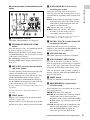
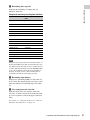
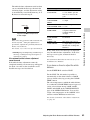
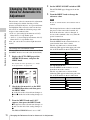
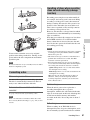
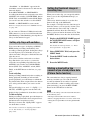
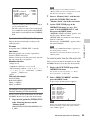
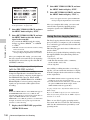
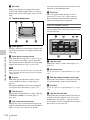
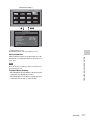
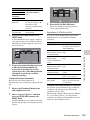
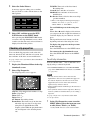
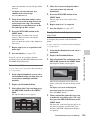
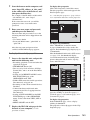
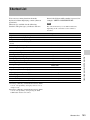
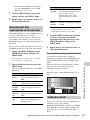
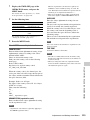
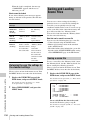
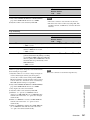
To display clip thumbnails
Click “Thumbnails” in the Disc menu.
A page of thumbnails of clips on the disc
appears. Each thumbnail page displays up to
12 thumbnails.
Like the thumbnails in the unit’s GUI screens
(see page 114), the thumbnails display
several information items, including index
picture changed marks, S marks, clip flag
icons, and lock icons.
When multiple pages exist, you can switch
pages by clicking << (back five pages), <
(back one page), > (forward one page), or >>
(forward five pages).
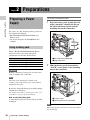
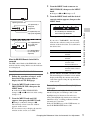
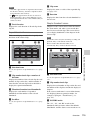
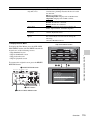
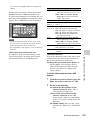
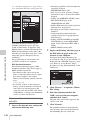
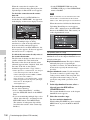
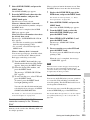
To display clip properties
In the Thumbnails page, select a clip by
clicking its thumbnail.
The properties of that clip appear in the Clip
Properties page.
Disc Operations
143