1
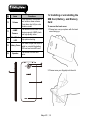
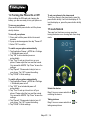
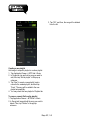
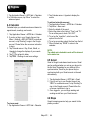
3. Pull the back cover with your fingertip and
remove it.
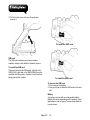
To install the SIM1 card
SIM card
The SIM card contains your phone number,
memory storage, and details of network service.
To install the SIM card
There are two slots for SIM cards. Left slot is for
SIM1(G+W); right slot is for SIM2(GSM), the gold
contacts are facing down. And the cut-off corner is
facing toward the outside.
To install the SIM2 card
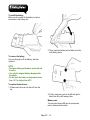
To remove the SIM card
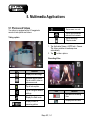
1. First, remove the battery.
2. Use your finger to slide the SIM card out of card
slot.
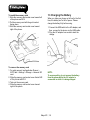
Battery
Your phone comes with a rechargeable battery.
Battery life varies depending on the network, used
applications, and the type of connections attached
to your phone.
Maya M1│ 1-3