1
1 - 14 MC17/MC17A/MC17T/MC17U Product Reference Guide
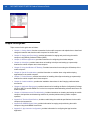
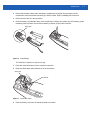
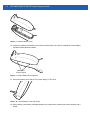
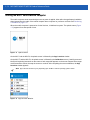
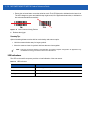
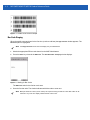
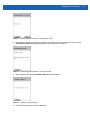
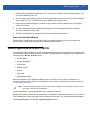
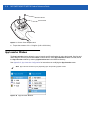
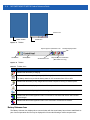
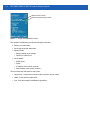
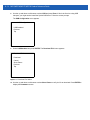
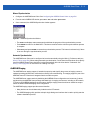
• Ensure the red scan beam covers the entire bar code. The LED lights red to indicate that the laser is on.
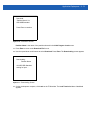
The LED changes to green and audible beep might sound, if the application determines, to indicate the
bar code was decoded successfully.
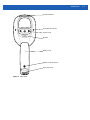
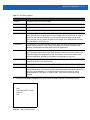
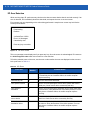
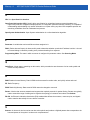
Figure 1-19 Laser Scanner Aiming Pattern
Release the trigger.
4.
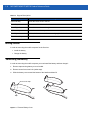
Scanning Tips
Optimal scanning distance varies with bar code density and scanner optics.
• Hold the scanner farther away for larger symbols.
• Move the scanner closer for symbols with bars that are close together.
NOTE Scanning procedures depend on the application and mobile computer configuration. An application may
use different scanning procedures from the one listed above.
LED Indications
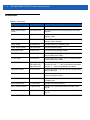
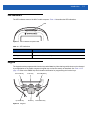
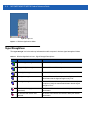
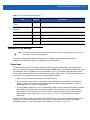
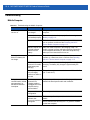
The LED on the mobile computer provides a visual indication of the scan status.
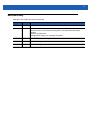
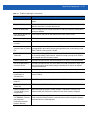
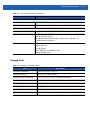
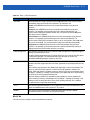
Table 1-4 LED Indicators
LED Status
Indication
Off
Not scanning.
Solid red
Laser enabled, scanning in process.
Solid green
Successful decode.