1
Chapter 3.
Using the computer
Keyboard
50
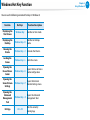
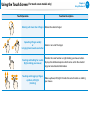
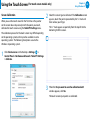
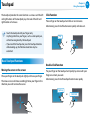
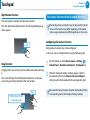
Touchpad
54
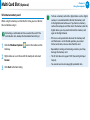
Multi Card Slot (Optional)
58
Connecting an External Display Device (Optional)
61
Adjusting the Volume
65
LCD Brightness Control
67
Wired Network
68
Wireless Network (Optional)
71
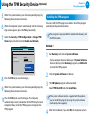
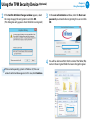
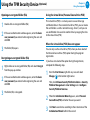
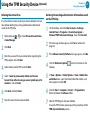
Using the TPM Security Device (Optional)
73
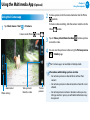
Using the Multimedia App (Optional)
82
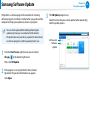
Samsung Software Update
86
Diagnosing the Computer Status and Troubleshooting 87
Using the Security Slot
88