1
Operating 45
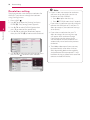
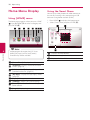
Changing content list view
yui
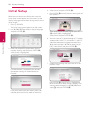
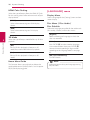
Selecting a subtitle file
y
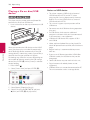
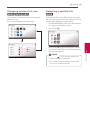
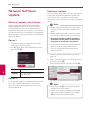
On the [Smart Share] menu, you can change the
content list view.
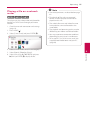
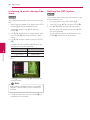
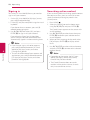
If the subtitle file name is different from the video
file name, you need to select the subtitle file on the
[Movie] menu before playing the movie.
Press red (R) colored button repeatedly.
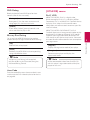
1.Use W/S/A/D to select the subtitle file you
wish to play in the [Movie] menu.
2.Press ENTER (b).
Press ENTER (b) again to deselect the subtitle
file. Selected subtitle file will be displayed when
you play the video file.
yy This function is not available for playing file
on a server via home network.
Operating
,,Note
yy If you press Z (STOP) during playback, the
subtitle selection is cancelled.
4