1
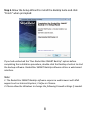
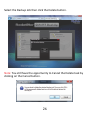
Step 5.Allow the Setup Wizard to install the BackUp Suite and click
"Finish" when prompted:
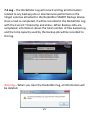
If you had unchecked the “Run RocketStor SMART BackUp” option before
completing the installation procedure, double-click the Desktop shortcut to start
the backup software. RocketStor SMART BackUp software utilizes a web-based
interface.
Note:
1. The RocketStor SMART BackUp software requires a web browser with XML
support such as Internet Explorer, Firefox or Chrome.
2. Please allow the Windows to change the following Firewall settings if needed.
8