1
Introduction
1
Overview
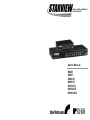
One-Console StarView Switches
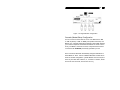
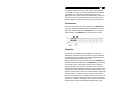
The StarView allows you to access multiple computers from one
keyboard, mouse and monitor. There is no interface card or software
to configure. Installation is as easy as connecting cables between
the StarView and your computers. Operation is as simple as
pressing push button, entering hot-key command and navigating
through the user-friendly on-screen menu (available on models with
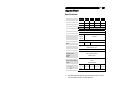
OSD support). Depending on the model you have, it switches up to 4
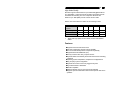
(SV431, SV431D), 8 (SV831, SV831D) or 16 (SV1631D) IBMcompatible computers. The StarView is independent of the computer
operating system.
Two-Console StarView Switches
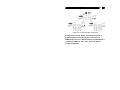
The advanced multi-access StarView Switches enable you to control
multiple computers from two different locations, remote and local with
two keyboards, mice and monitors. SV832DS controls 8 computers
and SV1632DS controls 16 computers.
On-Screen Display (OSD) Menu
For SV431D, SV831D, SV1631D, SV832DS, SV1632DS
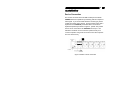
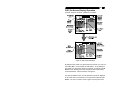
For StarViews with built-in OSD control, you can name your
computers, switch to a computer from a list, configure settings with
easy-to-use menus, and view the name of the selected computer
on-screen with programmable time interval. The OSD displays the
system status throughout operation.
Automatic Mouse Conversion
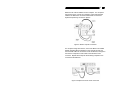
The StarView Switch enable you to connect computers with PS/2 or
serial mouse ports (using adapters supplied with each StarView
Switch) and control the computers from one PS/2 mouse.
The StarView automatically identifies the mouse and switches to
proper mouse protocol.