1
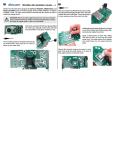
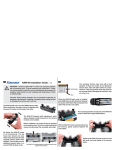
Two sets of bracket tabs are included with
the chipset cooler. Use whichever tabs
best align the cooler over the mounting
screws.
long tab
short tab
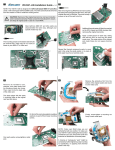
Place the liquid cooler onto the video or
motherboard chipset and align the mounting
bracket. The bracket is highly-adjustable for
proper alignment.
(NOTE: For some models of GPU-180 coolers,
you may need to re-adjust your nozzles to
provide more clearance for the bracket.)
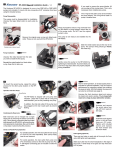
Use the metal attachment nuts to fasten the
mounting bracket to the chipset. Handtighten all video card components.
It is OK for the chipset cooler to sit
diagonally on the video card or motherboard.
Cooling efficiency will be the same.
Heat sinks are included for attachment to video
memory chips for additional cooling. Depending
on the video card, you may not require all 8 heat
sinks.
(Chipset Cooler mounted on an ATI
Radeon 9800 Pro)
(Chipset Cooler mounted on an
nVidia GeForce FX 5900 Ultra)
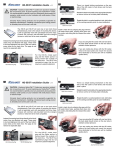
Mounting on a P-4 Northbridge Chipset
Many motherboards for P-4 chips feature heat sinks which are “hooked”
rather than bolted to the Northbridge chipset. Use the four attachment springs
included with the GPU-180 cooler to secure the bracket to this type of chipset.