1
15.3. GPS
in GPS signal receiver that can be used to get the current location of the H-22.
H
The H-22 has a built-in
To do anything useful with the location information, a navigating program is required, which is not
part of the standard software of the H-22.
22. This should be purchased separately.
15.3.1. GPS Settings
You may need to specify the GPS hardware port when installing the navigation software. The GPS
receiver in the H-22 can output the location data on a configurable
le port. To configure the port, follow
the steps below:
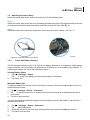
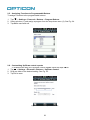
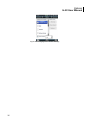
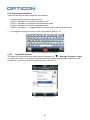
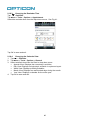
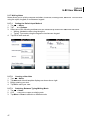
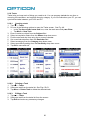
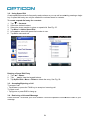
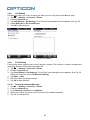
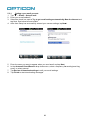
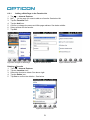
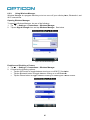
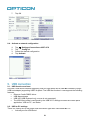
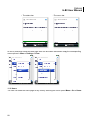
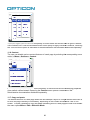
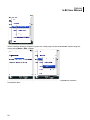
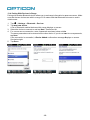
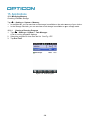
1. Tap
> Settings > System > External GPS > Programs.
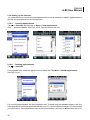
2. Enter the port that will be used by the GPS receiver to send the data.
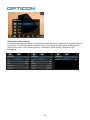
Figure 114. GPS Settings
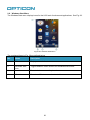
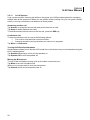
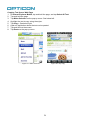
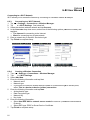
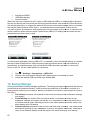
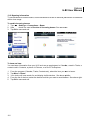
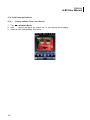
Figure 115. Express GPS Settings
15.3.2. Using AGPS
AGPS (Assisted Global Positioning System) enables you to acquire a location faster with download
of a list containing current positions and orbits of GPS satellites.
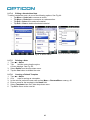
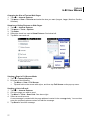
To enable AGPS:
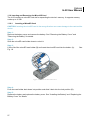
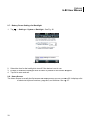
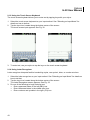
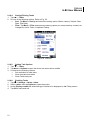
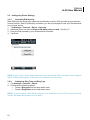
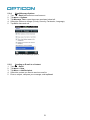
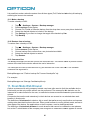
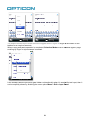
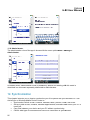
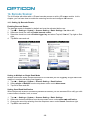
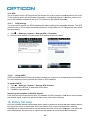
1. Tap
> Settings > System > Express GPS Connect.
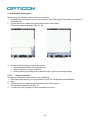
2. Select “Download Now” to download AGPS data.
3. Tap OK to save and exit.
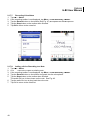
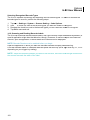
Improving the reception of Satellite Signals
It can take several minutes the first time you establish a GPS connection. If the device cannot detect
the satellite signal, make sure the device has a clear view of the entire sky.
16. Battery Hot swap
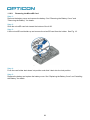
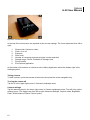
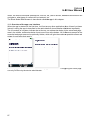
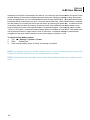
H22 has hot swap feature implemented which makes it possible to change the main battery without
turning off the device or loose data. When the battery cover is removed from H22 a warning
message not to remove the battery until the display has been turned off is displayed. The device will
then automatically set the device in flight mode and disable all functionality but the absolute
106