1
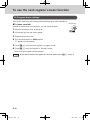
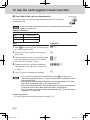
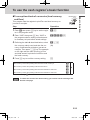
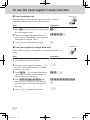
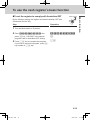
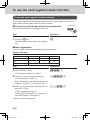
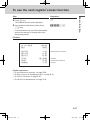
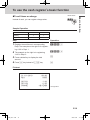
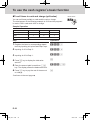
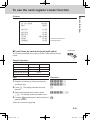
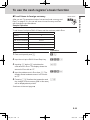
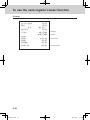
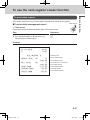
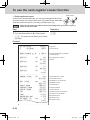
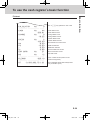
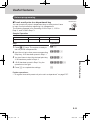
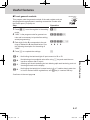
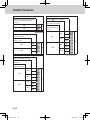
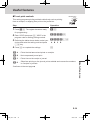
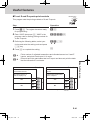
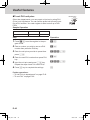
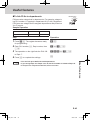
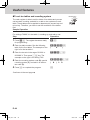
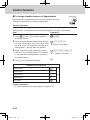
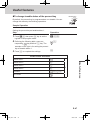
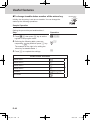
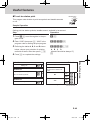
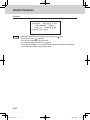
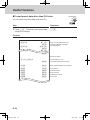
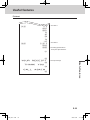
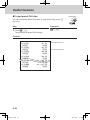
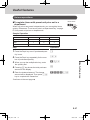
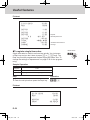
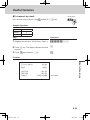
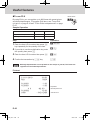
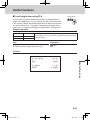
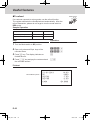
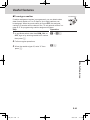
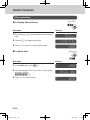
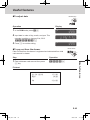
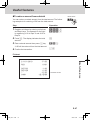
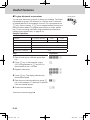
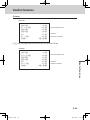
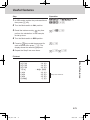
To use the cash register’s basic function This section describes to print sales data of transactions stored in the register. To print daily management report Mode Switch Flash report Flash report prints summarized sales data of the present time. Step Operation 1 Turn the Mode switch to X and press h. h Basic function To print sales reports The printer prints flash report. Printout 21−01−2013 X 16:50 0131 FLASH GROSS TOTAL QT NET TOTAL CASH−INDW CHARGE−INDW CHECK−INDW X 13 •340.85 No 7 •340.85 •217.85 •73.00 •50.00 — Read Symbol — Gross Total Quantity — Gross Sales Amount — NET Sales No. of Customers — NET Sales Amount — Cash Total in Drawer — Charged Amount — Check Total in Drawer E-27 SEG1_EU-e.indb 27 2012/12/07 17:18:50