1
Chapter 3 — Use the Phone
Turn the Phone On and Off
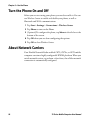
Before you can start using your phone, you need to enable it. You can
use Wireless Center to enable and disable your phone, as well as
Bluetooth and Wi-Fi communications.
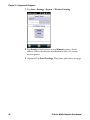
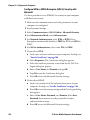
1 Tap Start > Settings > Connections > Wireless Center.
2 Tap Phone to turn on the Phone
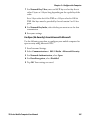
3 (Optional) To configure the phone, tap Menu in the tile bar at the
bottom of the screen.
4 Tap OK when you are done configuring the options.
5 Tap OK to close Wireless Center.
About Network Carriers
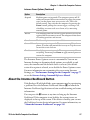
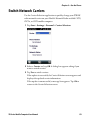
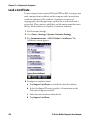
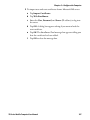
Your Flexible Network Radio-enabled CN70, CN70e, or CK70 mobile
computer contains a highly configurable WWAN platform. When you
switch network carriers, or perform a clean boot, the cellular network
connection is automatically configured.
58
70 Series Mobile Computer User Manual