1
Note
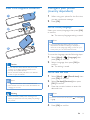
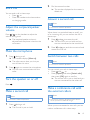
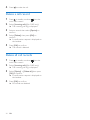
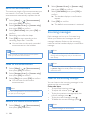
Set the ringtone on the base station
•• If [Exception] is set to [On] and [Ring delay] option
is selected, the handset rings only after length of ring
delay selected is reached.
•• Make sure that the contact under the [Set exception]
option of the phonebook menu is set to [On] before
you can exclude this contact from the silent mode.
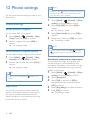
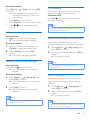
Set the key tone
Key tone is the sound made when you press a
key on the handset.
1
2
Select [On]/[Off], then press [OK] to
confirm.
»» The setting is saved.
Docking tone is the sound made when you
place the handset on the base station or
charger.
2
Select [Menu] > > [Sounds] >
[Docking tone], then press [OK] to
confirm.
Select [On]/[Off], then press [OK] to
confirm.
»» The setting is saved.
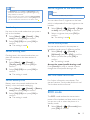
Set the battery tone
Battery tone is the sound made when the
battery is low and needs recharging.
1
2
•• This feature is available only for D605.
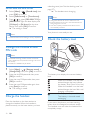
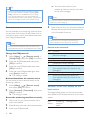
You can select from 5 ringtones on the base
which is independent from the ringtone on the
handset.
1
2
Select [Menu] > > [Sounds] > [Key
tone], then press [OK] to confirm.
Set the docking tone
1
Note
Select [Menu] > > [Sounds] > [Battery
tone], then press [OK] to confirm.
Select [On]/[Off], then press [OK] to
confirm.
»» The setting is saved.
Select [Menu] > > [Sounds] > [Ringer
on base], then press [OK] to confirm.
Select a ringtone, then press [OK] to
confirm.
»» The setting is saved.
Set the sound profile
You can set the sound in the earpiece or
handsfree mode among 3 different profiles.
1
2
Select [Menu] > > [Sounds] >
[MySound], then press [OK] to confirm.
Select a profile, then press [OK] to
confirm.
»» The setting is saved.
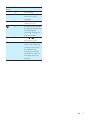
Access the sound profile during a call
Press [Sound] for once or several times to
change the sound profile during a call.
Set the date and time
For further information, see chapter 'Get
started', sections 'Set the date and time' and
'Set the date and time format'.
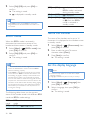
ECO mode
The ECO mode reduces the transmission
power of the handset and base station when
you are on a call or when the phone is in
standby mode.
1
Select [Menu] > > [Eco mode], then
press [OK] to confirm.
EN
27