1
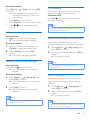
End a call
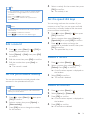
You can end a call in these ways:
• Press
; or
• Place the handset to the base station
or charging cradle.
2
Dial the second number.
»» The number displayed on the screen is
dialed out.
Answer a second call
Note
Adjust the earpiece/speaker
volume
Press / on the handset to adjust the
volume during a call.
»» The earpiece/speaker volume is
adjusted and the phone is back to the
call screen.
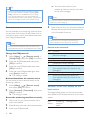
Mute the microphone
1
2
Press during a call.
»» The handset displays [Mute on].
»» The caller cannot hear you, but you
can still hear his voice.
Press again to unmute the microphone.
»» You can now communicate with the
caller.
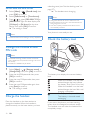
Turn the speaker on or off
Press
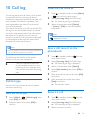
When there is a periodical beep to notify you
of an incoming call, you can answer the call in
these ways:
1
2
Press and
to answer the call.
»» The first call is put on hold, and you
are now connected to the second call.
Press and to end the current call and
answer the first call.
Switch between two calls
Note
•• This service is network dependent.
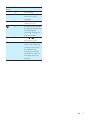
You can switch your calls in these ways:
• Press and
; or
• Press [Option] and select [Switch calls],
then press [OK] again to confirm.
»» The current call is put on hold, and you
are now connected to the other call.
.
Make a second call
Note
•• This service is network dependent.
1
•• This service is network dependent.
Press during a call.
»» The first call is put on hold.
Make a conference call with
the external callers
Note
•• This service is network dependent. Check with the
service provider for additional charges.
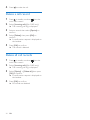
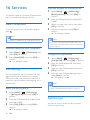
When you are connected to two calls, you can
make a conference call in these ways:
EN
15