1
Hardware Installations and Upgrades
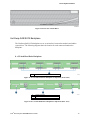
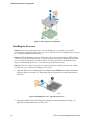
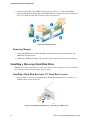
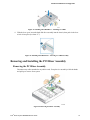
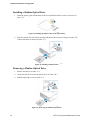
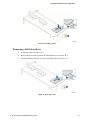
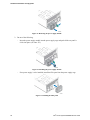
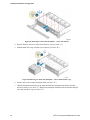
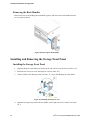
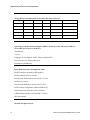
Figure 75. Removing the power supply module
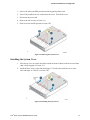
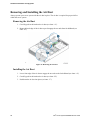
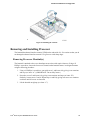
2. Do one of the following:
-
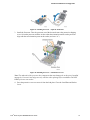
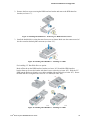
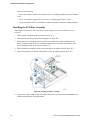
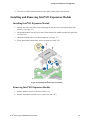
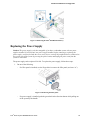
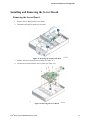
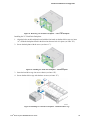
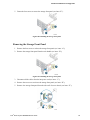
Insert the power supply module into the power supply cage and push all the way until it
clicks into place (see letter “B”).
Figure 76. Installing the power supply module
-
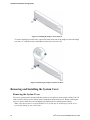
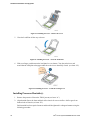
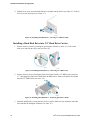
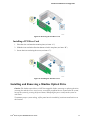
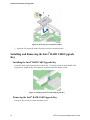
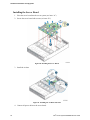
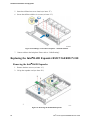
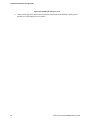
If no power supply is to be installed, install the filler panel into the power supply cage.
Figure 77. Installing the filler panel
50
®
Intel Server System R2000BB Service Guide