1
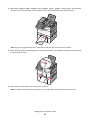
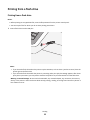
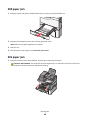
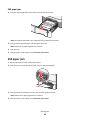
2 When Load Single Sheet Feeder with [paper type] [paper size] appears, load the sheet
facedown into the manual feeder. Load envelopes on the left side of the feeder with the flap side up.
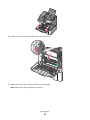
Note: Align the long edge of the sheet so that it is flush with the right side of the manual feeder.
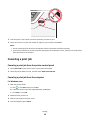
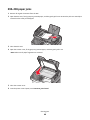
3 Adjust the width guides until they lightly touch the sheet. Do not force the width guides against the sheet. Doing
so may damage the sheet.
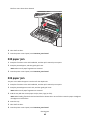
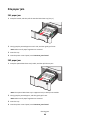
4 Push the sheet in until it stops. The printer pulls it in farther.
Note: To achieve the best possible print quality, use only high-quality media designed for laser printers.
Loading paper and specialty media
21