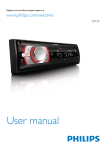
1
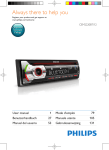
Overview of the system
a
b
t srq
c
p
o
d
n m
u
a
b
c
• Unlock the front panel.
• For .wma and .mp3 tracks, press to
select the previous folder.
• Press and hold to access the system
menu.
• Press to select a tuner band.
• Return to the previous menu.
d LCD screen
e
4
• Connect to a USB storage device.
EN
e
l k j ih g
f
v
f MP3-LINK
• Connect to the audio output socket
(usually the headphone socket) of an
external device.
g
• Start, pause, or resume the play of
tracks.
• In radio mode, press to select the
preset radio station of No. 6.
• In radio mode, press and hold to store
the current radio station at channel
No. 6.