1
Synology RackStation User's Guide
Based on DSM 4.1
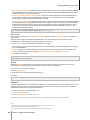
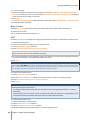
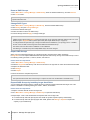
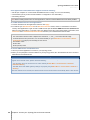
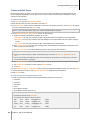
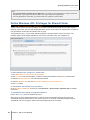
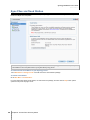
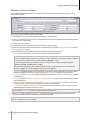
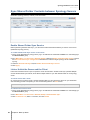
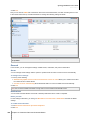
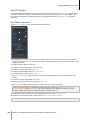
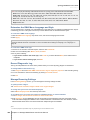
3 Tick Enable block expiration and enter a number of days in the Unblock after (days) field if you want to
unblock the IP address after the specified days.
Note: The IP address will remain blocked if Unblock after (days) is set to 0.
4 Click Apply.
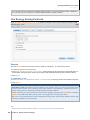
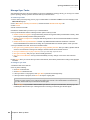
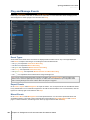
To manage the blocked IP addresses:
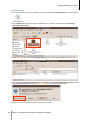
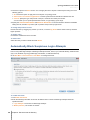
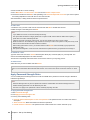
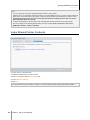
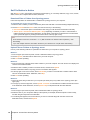
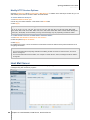
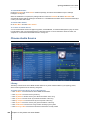
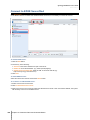
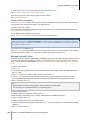
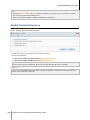
1 Click Block List to check the blocked IP addresses.
2 If you want to remove an IP address from the block list, select the IP and click Remove.
3 Click Finish.
47
Chapter 6: Enhance Internet Security