1
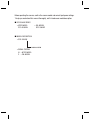
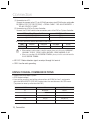
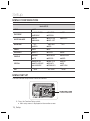
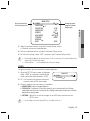
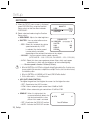
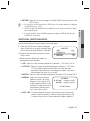
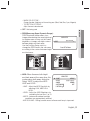
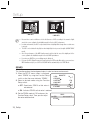
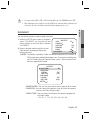
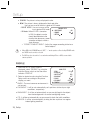
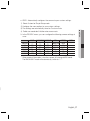
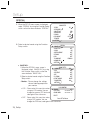
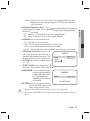
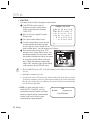
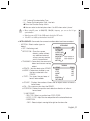
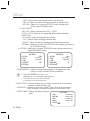
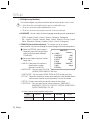
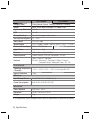
USER : Automatically configures the camera to your custom settings. 1) Select Custom for Simple Setup mode. 2) Configure the menu options to your custom settings. 3) The settings are automatically saved as Custom mode. SHUTTER AGC WHITE BAL BACKLIGHT SSNR3 DAY/NIGHT BASIC --HIGH ATW OFF/--ON AUTO ITS DAY/NIGHT BACKLIGHT ----MANUAL(1/250) HIGH HIGH HIGH ATW ATW OUTDOOR OFF/--- USER BLC/--- OFF/--ON ON ON AUTO AUTO AUTO INDOOR A.FLK HIGH INDOOR OFF/--ON AUTO USER - * When ambient illumination is low,the camera will change to BW mode. The BACKLIGHT mode will automatically switch to “---”. English_27 ● SETUP 4) Profile user mode don't initialize when menu resets. 3. In the PROFILE menu, you can configure the following camera settings at once.