1
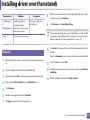
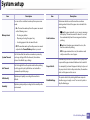
Wired network setup
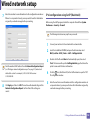
Find the machine’s MAC address from the Network Configuration Report
(see "Printing a network configuration report" on page 151) and enter it
without the colons. For example, 00:15:99:29:51:A8 becomes
0015992951A8.
6
7
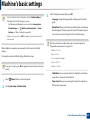
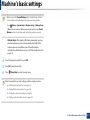
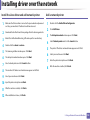
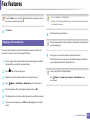
Select Apply, then OK, and OK again.
Find the machine’s MAC address from the Network Configuration Report
(see "Printing a network configuration report" on page 151) and enter it
without the colons. For example, 00:15:99:29:51:A8 becomes
0015992951A8.
5
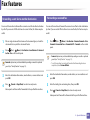
The machine will automatically print the Network Configuration
Report.
Quit Safari.
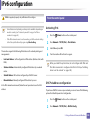
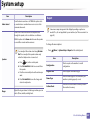
IPv4 configuration using SetIP (Linux)
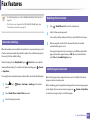
Before using the SetIP program, disable the computer firewall from System
Preferences or Administrator.
The following instructions may vary from your model or operating systems.
1
2
3
4
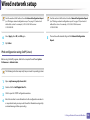
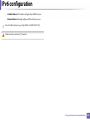
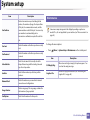
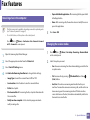
Open /opt/Samsung/mfp/share/utils/.
Double-click the SetIPApplet.html file.
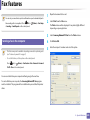
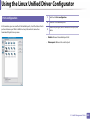
Click to open the TCP/IP configuration window.
Enter the machine’s new information into the configuration window. In
a corporate intranet, you may need to have this information assigned by
a network manager before proceeding.
2. Using a Network-Connected Machine
153