1
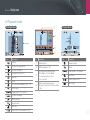
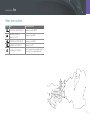
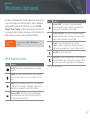
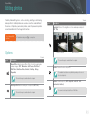
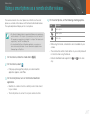
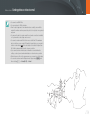
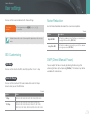
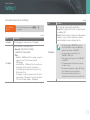
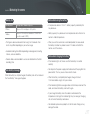
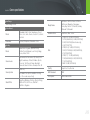
Indications used in this manual
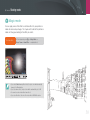
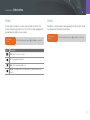
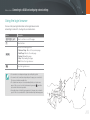
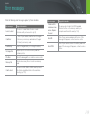
Icons used in this manual
Icon
Function
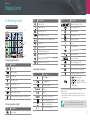
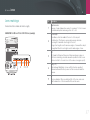
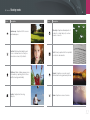
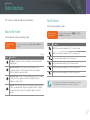
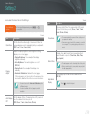
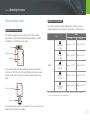
Shooting mode indications
Shooting mode
Indication
Additional information
Smart Auto
t
Safety warnings and precautions
Program
P
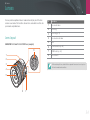
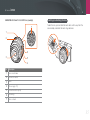
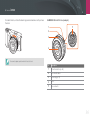
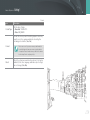
Camera buttons. For example, [Shutter] represents the
shutter button.
Aperture Priority
A
Shutter Priority
S
( )
Page number of related information
Manual
M
Lens Priority
i
→
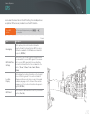
The order of options or menus you must select to
perform a step; for example: Select J → Quality
(represents select J, and then Quality).
The number next to the icon may vary depending on
the shooting mode. That is, some options may be
located under K or L.
This manual is based on Program mode.
Magic
g
Scene
s
Movie
v
Wi-Fi
B
[ ]
*
Annotation
6