1
Common Operations > Using Various Functions
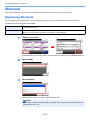
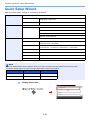
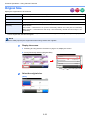
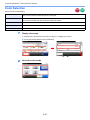
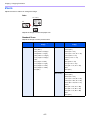
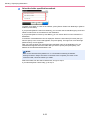
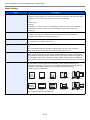
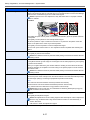
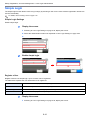
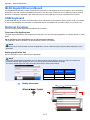
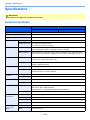
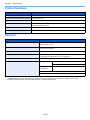
Zoom
Send
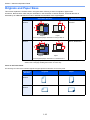
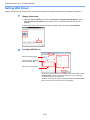
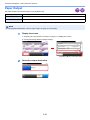
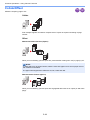
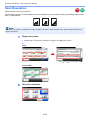
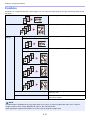
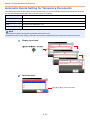
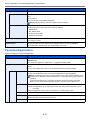
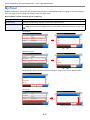
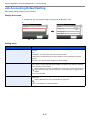
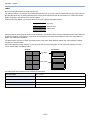
Reduce or enlarge original to send or store size.
100%
Reproduces the original size.
Auto
Adjust the image to match the send or store size.
Scan to
USB
NOTE
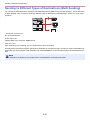
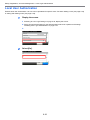
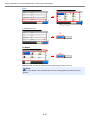
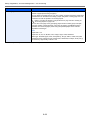
Select Sending / Storing Size, when you reduce or enlarge original.
Refer to Sending Size on page 6-40 and Storing Size on page 7-15.
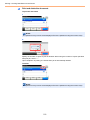
1
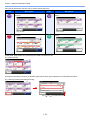
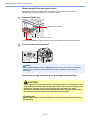
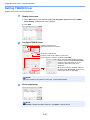
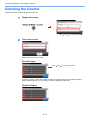
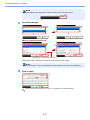
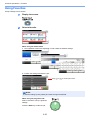
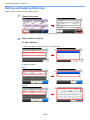
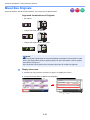
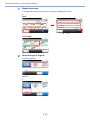
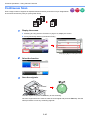
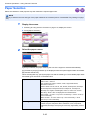
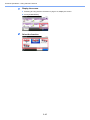
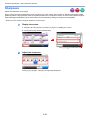
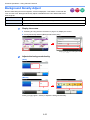
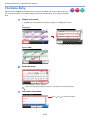
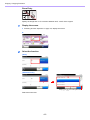
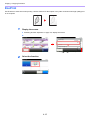
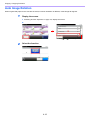
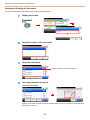
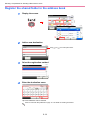
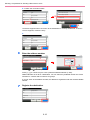
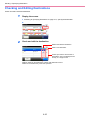
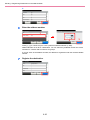
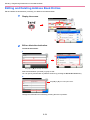
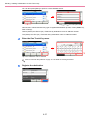
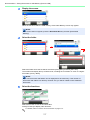
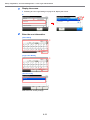
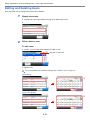
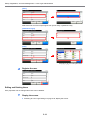
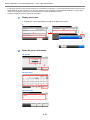
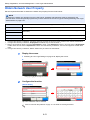
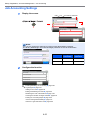
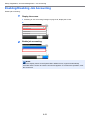
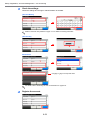
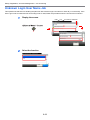
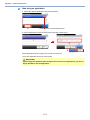
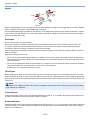
Display the screen.
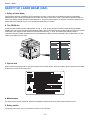
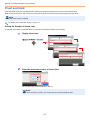
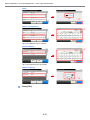
1 Referring to Using Various Functions on page 3-30, display the screen.
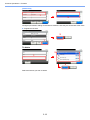
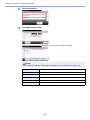
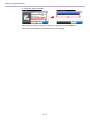
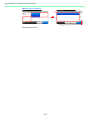
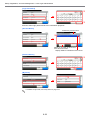
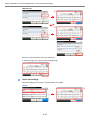
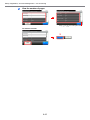
2 Press [Functions] and then [Zoom].
Ready to send.
Functions
10:10
Ready to send.
Send
Dest. :
Background Density Adj.
Check
Recall
10:10
Off
Prevent Bleed-through
Off
Address Book
Ext Address Book
FAX TX Resolution
1/2
1
FAX
Functions
Favorites
100%
Close
Use [
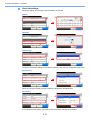
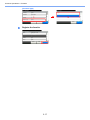
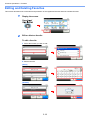
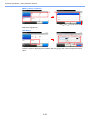
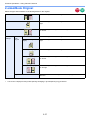
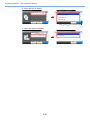
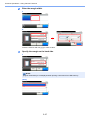
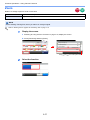
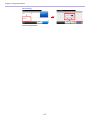
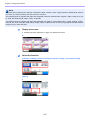
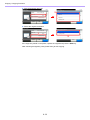
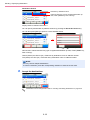
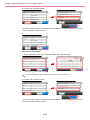
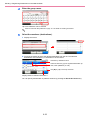
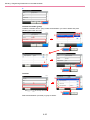
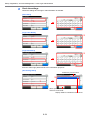
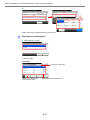
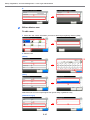
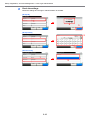
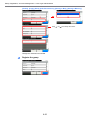
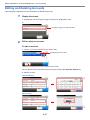
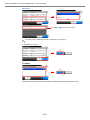
Select the function.
10:10
Ready to send.
Zoom
100%
Auto
Cancel
OK
3-57
GB0087_00
2
4/6
200x100dpi Normal
Zoom
Folder
GB0055_00
E-mail
2
Add/Edit
Shortcut
] or [
] to scroll up and down.
GB0081_03
One Touch Key