1
Using the Configuration Menu
DI-LB604 User’s Manual
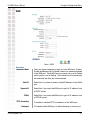
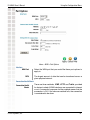
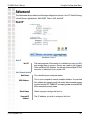
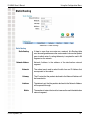
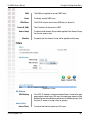
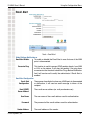
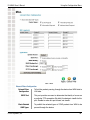
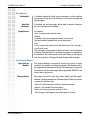
Method:
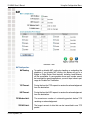
ICMP:
The health checking is performed by sending an ICMP
echo request packet to the specific destination.
The specific destination (“Alive Indicator”) could be either :
1. if the input box is filled (NAME or IP address): the host is used.
2. if the input box is left blank: gateway of wan interface will be used.
If one ICMP echo reply packet from Alive Indicator or gateway
is received, the connection is considered OK. If there are no
response received after 4 tries, the connection is considered
to be down.
HTTP:
The device gets a TCP connection with the Alive
Indicator first. Then the device sends HTTP HEAD
packet to the Alive Indicator. If any HTTP DATA from
the Alive Indicator is received, the connection is
considered OK. If there are no response received
after 5 tries, the connection is considered to be
down.
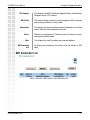
Traffic:
If there is no traffic on the WAN port in the Interval
time, the connection is considered to be down.
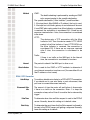
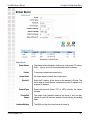
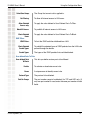
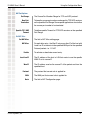
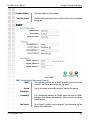
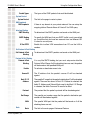
Interval:
Alive Indicator:
The period to check if the WAN port is alive or not.
This is used for the ICMP or HTTP methods to determine if
your Internet connection is active or not.(You can either fill-out
the IP address or host name)
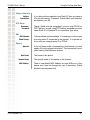
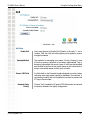
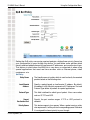
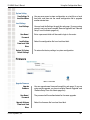
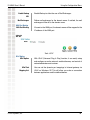
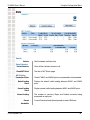
PPPoE / PPTP Connection
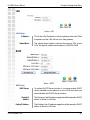
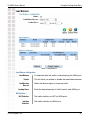
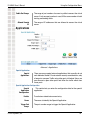
Auto Dialup:
To enable or disable auto dialup for a PPPoE/PPTP connection.
If you decide not to use auto dialup or auto disconnect, then
you have to connect/disconnect manually.
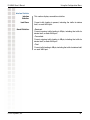
Disconnect After
Idle:
The amount of time the router will wait before it disconnects
if there is no traffic on the connection. Enter -1 to keep the
connection always alive. Enter 0 to enable ‘dial on demand by
trigger’.
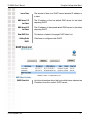
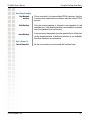
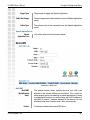
EchoTime:
To determine how often an Echo request is sent to the PPPoE
server. Normally, leave this setting as its default value.
Echo Retry:
To determine the most times that the Echo request is allowed to
be sent to the PPPoE server until getting a response. Normally,
leave this setting as its default.
D-Link Systems, Inc.
15