1
BIOS Setup
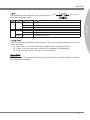
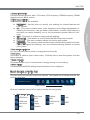
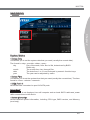
SECURITY
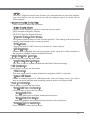
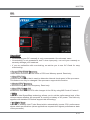
▶ Administrator Password
Set the administrative password that will be required to enter the BIOS.
▶ User Password
Set the user password that will be required to enter the operating system.
Important
When selecting the Administrative / User Password items, a password box will appear
on the screen. Type the password then press <Enter>. The password typed now will replace any previous set password from CMOS memory. You will be prompted to confirm
the password. You may also press <Esc> to abort the selection.
To clear a set password, press <Enter> when you are prompted to enter a new password. A message will confirm the password is being disabled. Once the password is
disabled, you can enter the setup and OS without authorization.
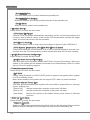
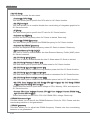
▶ U-Key
Enable or disable USB driver device as key. This requires the USB device to be plugged
in for access to the computer..
▶ Make U-Key at
When the “U-Key” as sets to [Enabled], this item is selectable. This item allows you to
specify the USB drive.
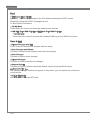
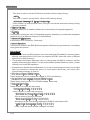
▶ Chassis Intrusion Configuration
Press <Enter> to enter the sub-menu.
▶ Chassis Intrusion
Enables or disables the feature of recording the chassis intrusion status and issuing
a warning message if opened. To clear the warning logs, set the field to [Reset]. The
setting of the field will return to [Enabled] later.
2-22