1
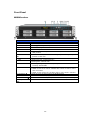
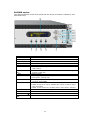
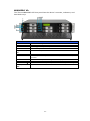
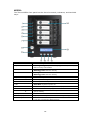
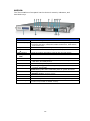
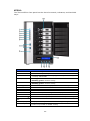
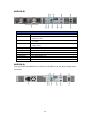
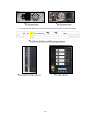
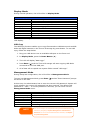
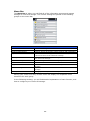
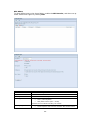
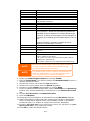
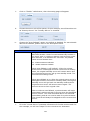
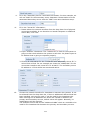
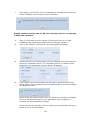
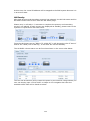
Front Panel N8900 series: Front Panel Item 1.Power Button 2.Power LED 3.System error LED 4.Mute button 5.USB Port 6. Locator button / LED 7. RST 8. LAN 9. BUSY 10.OLED 11.Up Button ▲ 12.Down Button ▼ 13.Enter Button 14.Escape Button ESC Description Power on/off N8900 Solid green: System is power on. Solid RED: System error. Mute the system fan alarm. USB 2.0 port for compatible USB devices, such as USB disks and USB printers Press the button, the back led will light up to identify the system position of the rack Reboot system. Blinking green: network activity Solid green: network link Blinking orange: system startup or system maintenance; data currently inaccessible Displays current system status and messages OLED screen saver will be enabled after screen is idle for more than 3 minutes OLED screen will be turn off after idle for more than 6 minutes Push to scroll up when using the OLED display Push to enter USB copy operation screen Push to enter OLED operate password for basic system setting Push to leave the current OLED menu 10