1
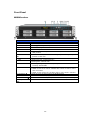
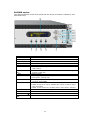
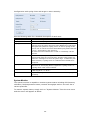
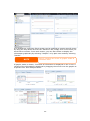
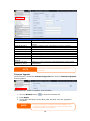
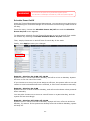
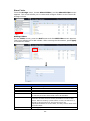
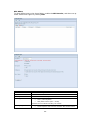
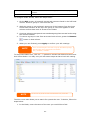
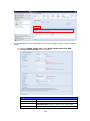
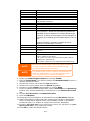
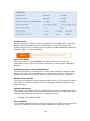
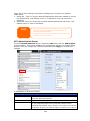
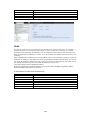
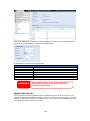
OLED Operation(Does not apply to the N7700PRO V2/N8800PRO V2/N5550/N4510U/N7510) OLED Operation The Thecus IP storage is equipped with an OLED on the front for easy status display and setup. There are four buttons on the front panel to control the OLED functions. OLED Controls Use the Up (▲), Down (▼), Enter () and Escape (ESC) keys to select various configuration settings and menu options for Thecus IP storage configuration. The following table illustrates the keys on the front control panel: OLED Controls Icon Function Description ▲ Up Button Select the previous configuration settings option. ▼ Down Button USB copy confirmation display. Enter Enter the selected menu option, sub-menu, or parameter setting. ESC Escape Escape and return to the previous menu. There are two modes of operation for the OLED: Display Mode and Management Mode. Display Mode During normal operation, the OLED will be in Display Mode. Display Mode Item Host Name WAN/LAN1 LAN2 Link Aggregation System Fan CPU Fan 2009/05/22 12:00 RAID Current Current Current Current Current Current Current Current Description host name of the system. WAN/LAN1 IP setting. LAN2 IP setting. Link Aggregation status system fan status. CPU fan status system time. RAID status. The Thecus IP storage will rotate these messages every one-two seconds on the OLED display. USB Copy The USB Copy function enables you to copy files stored on USB devices such as USB disks and digital cameras to the Thecus IP storage with a press of a button. To use USB copy, follow the steps below: 1. Plug your USB device into an available USB port on the Front Panel. 2. In Display Mode, press the Enter (). 41