1
Menu setting method
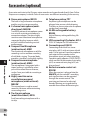
Play Scene
Voice files recorded in the recorder and
music files downloaded from the PC can be
saved in the playback settings of your choice
to suit the different sound qualities and
playback methods.
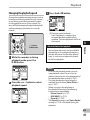
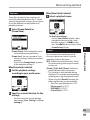
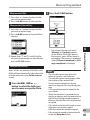
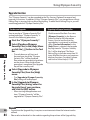
When [Scene Select] is selected:
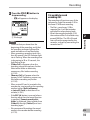
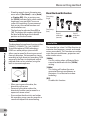
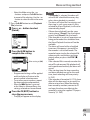
4 Select a playback scene.
1 Select [Scene Select] or
[Scene Save].
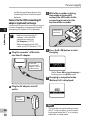
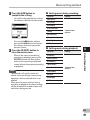
To check the settings :
On the [Scene Select] display, select
a playback scene using the + and −
buttons, and press the 9 button.
Press the 0 button to return to the
[Scene Select] display.
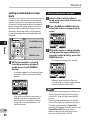
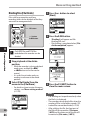
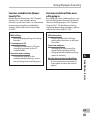
When [Scene Save] is selected:
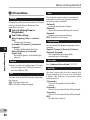
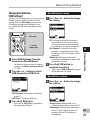
2 Set the playback settings
according to your preferences.
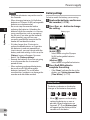
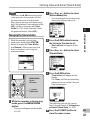
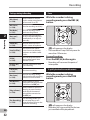
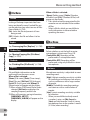
Reverb
You can enjoy the reverberant sound
of various space sizes such as from the
recording studio to the dome.
[Off]: Disables the reverb function. Select
this when playing back original sounds
as they are.
[Studio] [Club] [Hall] [Dome]: Select the
preferred acoustical environment.
• This function is only available during
playback. This recorder cannot perform
recording by using the playback results.
• When using the [Reverb] function, the
following functions are not available.
• Slow/Fast speed playback (☞ P.41)
• [Noise cancel] (☞ P.57)
• [EUPHONY] (☞ P.57)
• [Voice Filter] (☞ P.57)
4
Menu setting method
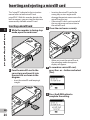
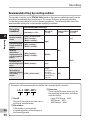
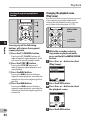
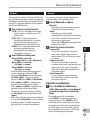
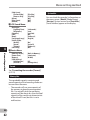
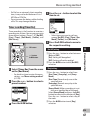
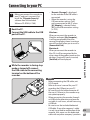
[Scene Select]: Select a playback scene
customized to your preferences.
[Scene Save]: You can save up to 3 sets
of menu settings relating to a current
playback.
• If you select [Scene Select], proceed
to the operation of Step 4.
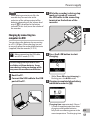
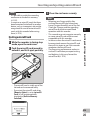
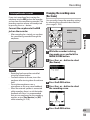
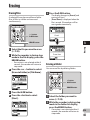
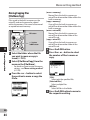
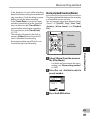
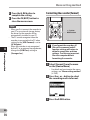
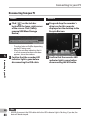
3 Specify a save destination for the
settings.
• You can select the save destination
from among [User Setting 1] to [User
Setting 3].
EN
59