1
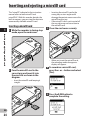
Inserting and ejecting a microSD card
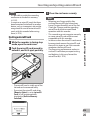
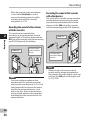
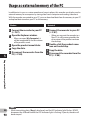
Ejecting a microSD card
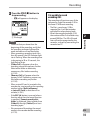
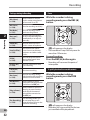
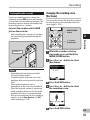
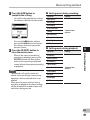
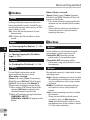
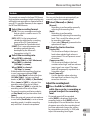
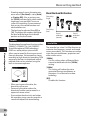
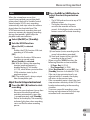
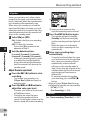
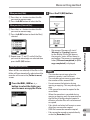
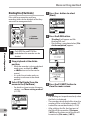
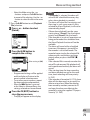
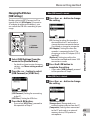
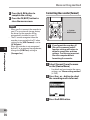
1 While the recorder is during stop
mode, open the card cover.
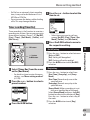
2 Push the microSD card inward to
unlock it, and let it eject partially.
3 Close the card cover securely.
Notes
• Releasing your finger quickly after
pushing the microSD card inward may
cause it to eject forcefully out of the slot.
• Check the Olympus website regarding
microSD cards which are confirmed
operation with this recorder.
• This recorder may not recognize correctly
on some microSD cards which are not
compatible with this recorder.
• In the case when the microSD card cannot
be recognized, remove the microSD card
then put it in again to see if this recorder
recognizes the microSD card.
• The processing performances reduce in
a microSD card when you repeat writing
and deleting. In this case, format the
microSD card (☞ P.74).
1
Inserting and ejecting a microSD card
Notes
• It is possible to switch the recording
media over to the built-in memory
(☞ P.61).
• In some cases microSD cards that have
been formatted (initialized) by another
device, such as a computer, may not be
recognized. Be sure to format microSD
cards with this recorder before using
them (☞ P.74).
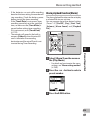
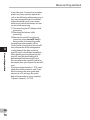
• The microSD card is visibly out of the
slot and can be removed safely.
• If you eject the microSD card when
[Memory Select] is set to [microSD
Card], it will be automatically
changed to [Built-in Memory
Selected].
EN
25