TE Touch Solutions
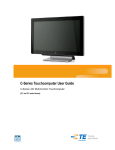
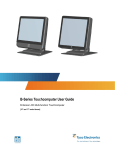
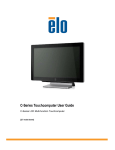
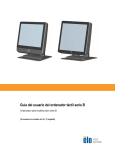
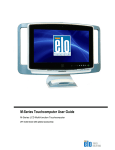
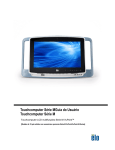
C-Series Touchcomputer for Healthcare
Applications User Guide
Multi-function Touchcomputer
Revision A
SW601689
1-800-ELOTOUCH (1-800-356-8682)
www.elotouch.com
C-Series Touchcomputer for Healthcare Applications User Guide ii