1
MS-7759
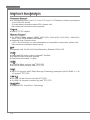
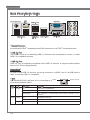
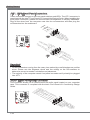
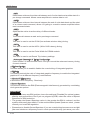
▶ HDMI Port
The High-Definition Multimedia Interface (HDMI) is an all-digital audio-video interface
that is capable of transmitting uncompressed streams. HDMI supports all types of TV
formats, including standard, enhanced, or high-definition video, plus multi-channel digital audio on a single cable.
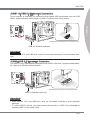
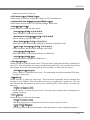
▶ DVI-D Port
The DVI-D (Digital Visual Interface- Digital) connector can be connected to a LCD
monitor, or a CRT monitor with an adapter. To connect a monitor, please refer to the
monitor’s manual for more information.
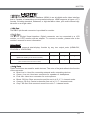
Important
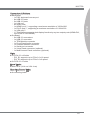
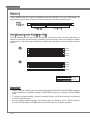
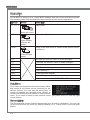
This platform supports dual-display function by any two output ports (HDMI+DVI,
DVI+VGA or VGA+HDMI).
HDMI+DVI
DVI+VGA
VGA+HDMI
Extend mode
(Extend the desktop to the second monitor)
◯
◯
◯
Clone mode
(Two monitors have the same screen)
◯
◯
◯
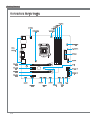
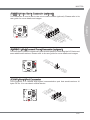
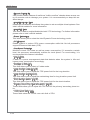
▶ Audio Ports
These connectors are used for audio devices. The color of the jack refers to the function
of the connector.
■ Blue-Line in: Used for connecting external audio outputting devices.
■ Green- Line out: Used as a connector for speakers or headphone.
■ Pink- Mic: Used as a connector for a microphone.
■ Black- RS-Out: Rear surround sound line out in 4/ 5.1/ 7.1 channel mode.
■ Orange- CS-Out: Center/ subwoofer line out in 5.1/ 7.1 channel mode.
■ Gray- SS-Out: Side surround sound line out in 7.1 channel mode.
1-9
Chapter 1
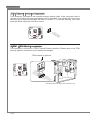
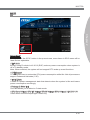
▶ VGA Port
The DB15-pin female connector is provided for monitor.