1
Print Options - Mac OS X 10.4
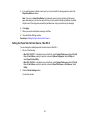
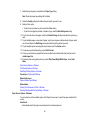
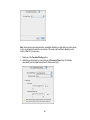
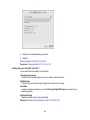
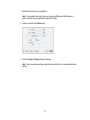
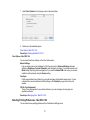
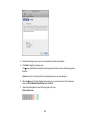
You can select any of the print options to customize your print. Some options may be unavailable,
depending on other settings you have chosen.
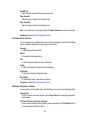
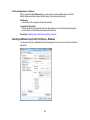
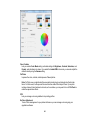
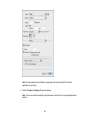
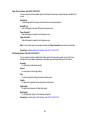
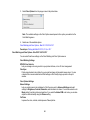
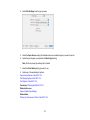
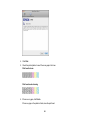
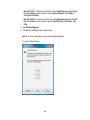
Grayscale
Prints text and graphics in black or shades of gray.
Mirror Image
Flips the printed image left to right.
Parent topic: Selecting Basic Print Settings - Mac OS X 10.4
Selecting Print Layout Options - Mac OS X 10.4
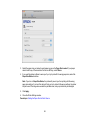
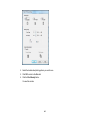
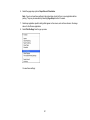
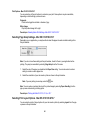
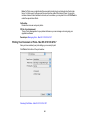
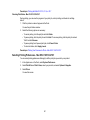
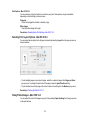
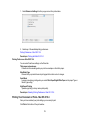
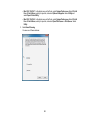
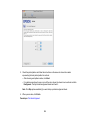
You can select layout options for multi-page documents by selecting Layout from the pop-up menu on
the print window.
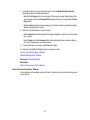
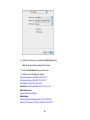
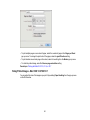
• To print multiple pages on one sheet of paper, select the number of pages in the Pages per Sheet
pop-up menu. To arrange the print order of the pages, select a Layout Direction setting.
• To print borders around each page on the sheet, select a line setting from the Border pop-up menu.
Parent topic: Printing with Mac OS X 10.4
Sizing Printed Images - Mac OS X 10.4
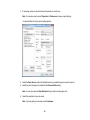
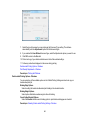
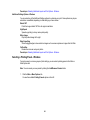
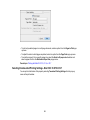
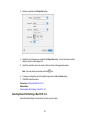
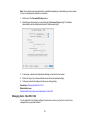
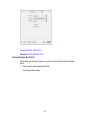
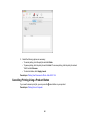
You can adjust the size of the image as you print it by selecting Paper Handling from the pop-up menu
on the print window.
74