1
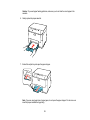
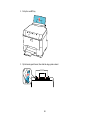
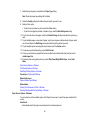
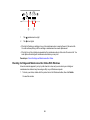
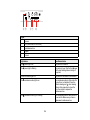
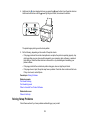
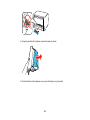
3. Hold down the
color cleaning button as you press the power button to turn the printer back on.
Hold down both buttons until the power light begins to flash, then release the buttons.
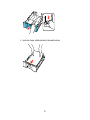
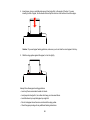
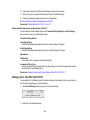
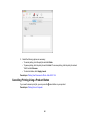
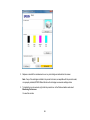
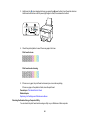
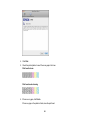
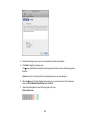
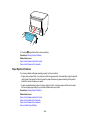
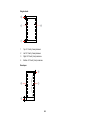
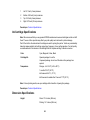
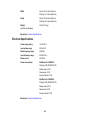
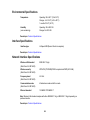
4. Check the printed pattern to see if there are gaps in the lines.
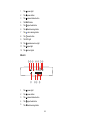
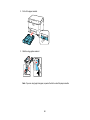
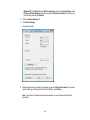
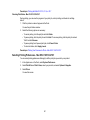
Print head is clean
Print head needs cleaning
5. If there are no gaps, the print head is clean and you can continue printing.
If there are gaps or the pattern is faint, clean the print head.
Parent topic: Print Head Nozzle Check
Related topics
Replacing Ink Cartridges and Maintenance Boxes
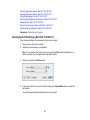
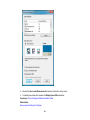
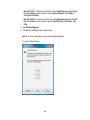
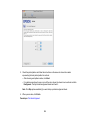
Checking the Nozzles Using a Computer Utility
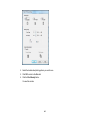
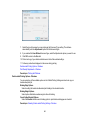
You can check the print head nozzles using a utility on your Windows or Mac computer.
96