1
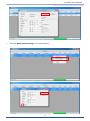
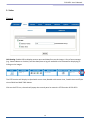
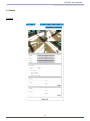
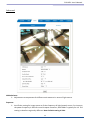
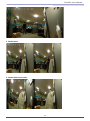
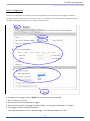
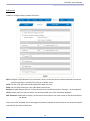
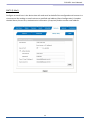
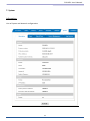
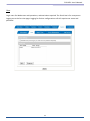
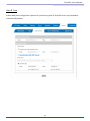
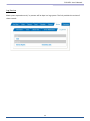
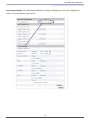
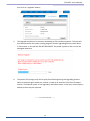
FCS-0071 User’s Manual Camera General Setting: Brightness: the luminance of image view. Hue: refer to pure color, it can modify the different display of specific color such as red, green or blue. Saturation: intensity of a specific color. The 3 correlates are referring image appearance in terms of color/vision. These are adjustable from this page. Contrast: the difference in color and light between parts of an image. Sharpness: the sharpness of camera. Rotation: rotate the image, so it looks up-side down. This can be applied when camera unit must be ceiling mounted and the image is therefore reversed. Audio Setting: Audio Enable: Enable this option, so the video stream will be transferring accompanied with the audio data Web Record/Snapshot Setting: Web Record / Snapshot: define the location where snapshot images and video clips will be stored. The file name is referring to the prefix of the actual file name of each snapshot image or video clip generated. Default: 24 Set [camera general setting] and [audio setting] back to default Note: Will not change the configuration of [Web Record Setting] and [web Snapshot Image Setting]. Save: Save the changes that have been made 24