1
1
Note
•• If your phonebook memory is full, the handset
displays a notification message. Delete some
records to add new ones.
1
2
3
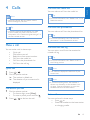
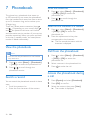
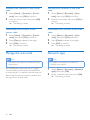
Select [Menu] >[Phonebook] > [Add
new], then press [OK] to confirm.
Enter the name, then press [OK] to
confirm.
Enter the number, then press [Save] to
confirm
»» Your new record is saved.
2
to insert a pause.
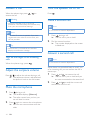
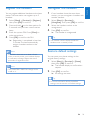
Select [Menu] > [Phonebook] >
[Delete].
Select a contact, then press [OK] to
confirm.
»» The record is deleted.
Delete all records
1
2
Tip
•• Press and hold
Delete a record
English
Add a record
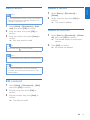
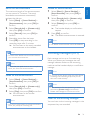
Select [Menu] > [Phonebook] > [Delete
all], then press [OK] to confirm.
»» The handset displays a confirmation
request.
Press [OK] to confirm.
»» All records are deleted.
Note
•• The phonebook only saves new number entry.
Tip
•• For more information on how to edit the
numbers and name, see the section on Text
and numbers.
Edit a record
1
2
3
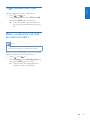
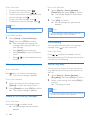
Select [Menu] > [Phonebook] > [Edit],
then press [OK] to confirm.
Edit the name, then press [OK] to
confirm.
Edit the number, then press [Save] to
confirm.
»» The record is saved.
EN
21