1
E146X_UM - EN.book
Page 34
Thursday, April 21, 2011
5:54 PM
34 Playback mode
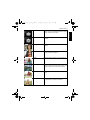
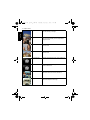
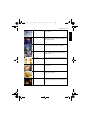
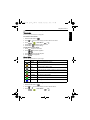
Options for playback and editing
English
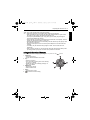
When the camera is in the Playback mode, press
can also select any of the following options.
, or
to move to different files. You
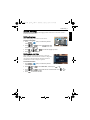
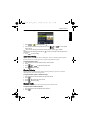
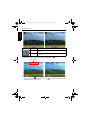
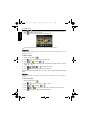
Enlarging an image
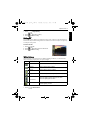
Magnifies an image, so more details can be seen.
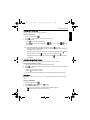
To enlarge an image:
1. Slide the mode switch to
2. Press
or
3. Press
to zoom-in or
4. Press
to move to the image you want to enlarge.
,
5. Press
.
to zoom-out.
,
, or
to move to the area you want to see.
to return to the normal viewing size.
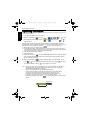
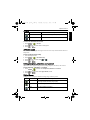
Rotating an image
You can press
time.
to change the orientation of an image at 90 degrees clockwise at a
For each rotation, the image file in the new orientation is automatically saved.
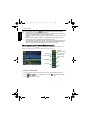
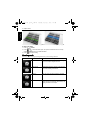
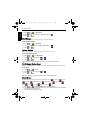
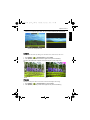
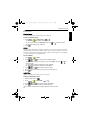
Viewing multiple files at a time
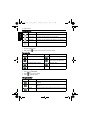
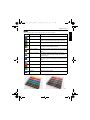
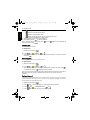
Shows up to 9 files at a time on the screen.
To view multiple files:
1. Slide the mode switch to
2. Slide to
.
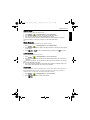
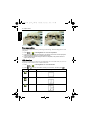
. In this mode, maximum 9 files (shown in thumbnails) are displayed on the
screen. Press
,
,
, or
to select a file, and then press
or
to view it in its normal viewing size.
3. Slide to
. In this mode, all files are arranged by dates. Press
to select a file, and then press
or
,
, or
to view it in its normal viewing size.
If there are more than 9 thumbnails, you can press
highlighted. Then you can press
,
repeatedly until the scroll bar is
to move to the previous 9 thumbnails or
move to the next 9 thumbnails. To cancel highlighting the scroll bar, just press
.
to