1
E146X_UM - EN.book
Page 27
Thursday, April 21, 2011
5:54 PM
Capture mode 27
English
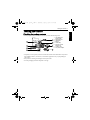
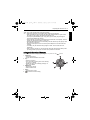
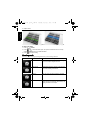
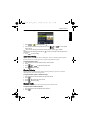
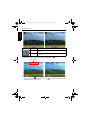
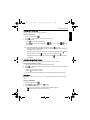
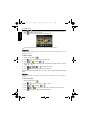
6. To take the third shot, pan the camera to the direction of the guidance arrow. Once the
screen icon overlaps the green block, the camera will automatically take the third shot.
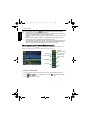
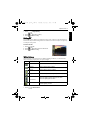
The camera captures the shot when the
screen icon overlaps the block
Panoramic picture preview
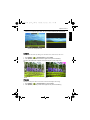
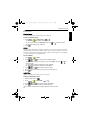
LOMO
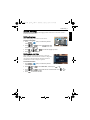
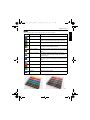
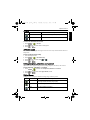
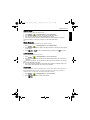
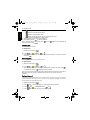
Creates a lomo-like effect by adding over saturated colors, dark corners, and so on.
1. Press
>
> Shooting Mode and select LOMO.
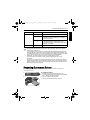
2. Take a picture. (The LOMO effect will be applied to this picture immediately.)
When the LOMO effect is applied, color shift (changes in colors) might occur.
Before
After
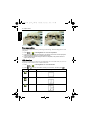
Fisheye
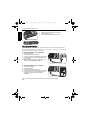
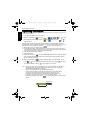
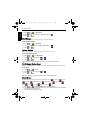
Simulates a fisheye lens effect and creates a distorted hemisphere-like image.
1. Press
>
> Shooting Mode and select Fisheye.
2. Take a picture. (The Fisheye effect will be applied to this picture immediately.)