1
Cleaning and Replacing the Dust Filters
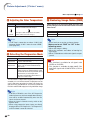
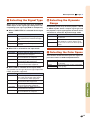
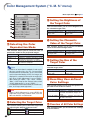
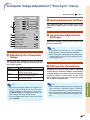
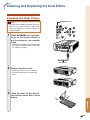
Cleaning the Dust Filters
STANDBY button
Info
• The dust filters should be cleaned every 100
hours of use. Clean the filters more often
when the projector is used in a dusty or
smoky location.
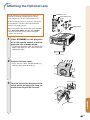
1
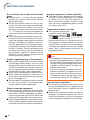
Press STANDBY on the projector or on the remote control to
put the projector into standby
mode.
• Disconnect the power cord and unplug
the power cord from the AC socket after
the cooling fan stops.
Power cord
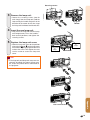
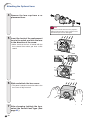
2
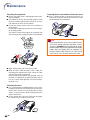
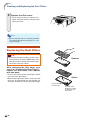
Remove the filter cover.
• Remove the filter cover as shown in
the figures while pressing down the
tabs.
3
Clean the dust off the dust filters and the cover with a hand
broom.
Appendix
-67