1
Software Installation
In this manual, "User" refers to whoever has access to the Network Camera, and
"Administrator" refers to the person who can configure the camera and grant user to
access the camera.
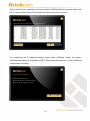
After checking the hardware connection, run the Installation Wizard program included on
the product’s CD-ROM to automatically search the intranet for the camera. There may be
many cameras on the local network. Differentiate the cameras using the serial number
which is printed on the labels on the carton and the bottom of the camera.
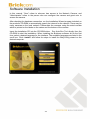
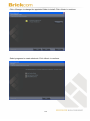
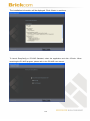
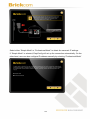
Insert the Installation CD into the CD-ROM driver. Run Auto-Run Tool directly from the
CD-ROM to start the installation. When installing the Brickcom software kit for the first
time, select a desired language for the interface. The available languages are listed in the
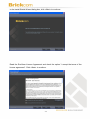
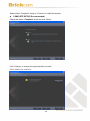
scroll box. Click <Install> and follow the steps to install the EasyConfig wizard on the
desired computer.
16