1
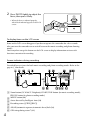
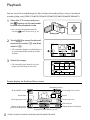
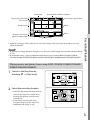
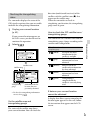
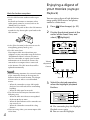
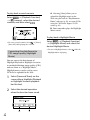
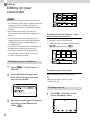
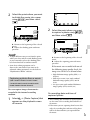
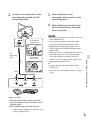
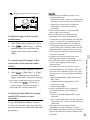
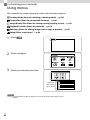
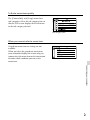
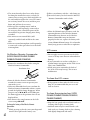
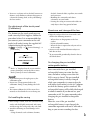
Editing Editing on your camcorder Notes Some basic editing operations can be done on the camcorder. If you want to perform advanced editing operations, install the “Expanded Feature” for the built-in “PlayMemories Home” software. You cannot restore images once they are deleted. Save important movies and photos in advance. Do not remove the battery pack or the AC Adaptor from your camcorder while deleting or dividing the images. It may damage the recording media. Do not eject the memory card while deleting or dividing images from the memory card. If you delete or divide movies/photos that are included in saved scenarios (p. 45), the scenarios will also be deleted. To delete all movies/photos in the selected date at one time 1 In step 2, select [All In Event]. 2 Select the date you want to delete using / , and then select . Deleting movies and photos 1 2 Select [Delete]. [Edit/Copy] Select [Multiple Images], and then select the type of image you want to delete. To delete a part of a movie You can divide a movie and delete it. Release protection: [Protect] (p. 69) [Format] (p. 70) Dividing a movie 1 3 GB 52 Add check marks to the movies or photos to be deleted and select . Select [Divide] on the movie playback screen.