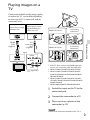
1
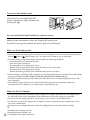
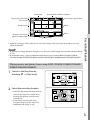
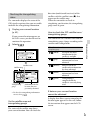
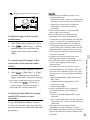
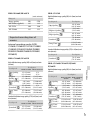
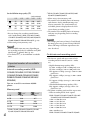
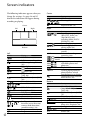
Operating buttons while playing
Items on the LCD screen disappear if you do not attempt to operate the camcorder for a few
seconds. To display the items again, touch the LCD screen.
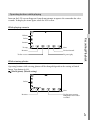
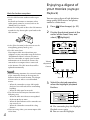
While playing a movie
Volume
Context
To stop
Previous
To fast-reverse
Next
To fast-forward
To pause/play
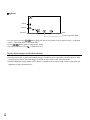
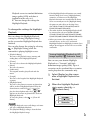
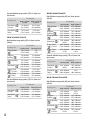
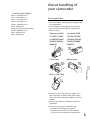
While viewing photos
Recording/Playback
Delete
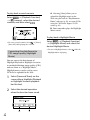
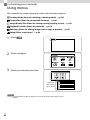
Operating buttons while viewing photos will be changed depends on the setting of Switch
Image Type button (p. 33).
(Movie/photo) (default setting)
Delete
Next
Previous
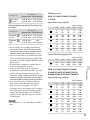
To play/pause movies
and photos in the order
recorded
GB
35