1
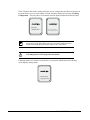
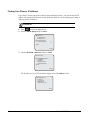
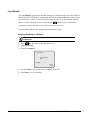
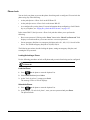
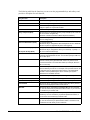
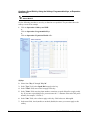
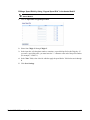
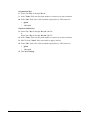
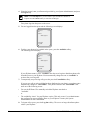
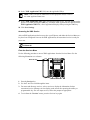
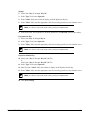
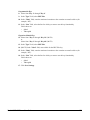
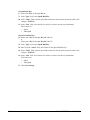
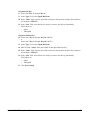
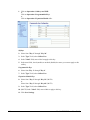
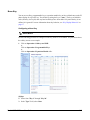
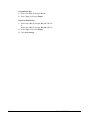
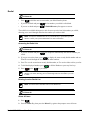
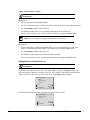
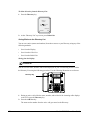
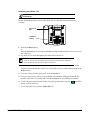
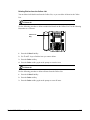
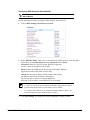
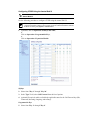
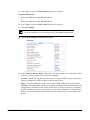
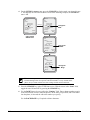
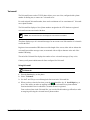
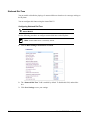
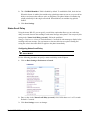
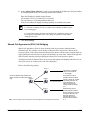
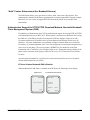
To delete all entries from the Directory List:
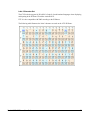
1. Press the Directory key.
Directory
97 items
Use
to view
Press 1st letter
DeleteList - Add New
Quit -
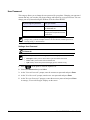
2. At the “Directory List” top screen, press DeleteList.
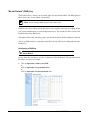
Saving Entries to the Directory List
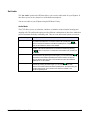
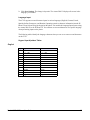
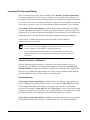
You can save entries (names and numbers) from other sources to your Directory using any of the
following methods:
•
Save from the Display
•
Save from the Caller List
•
Save from the Redial List
Saving from the Display
IP Phone UI
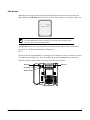
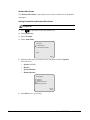
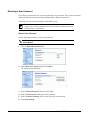
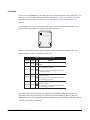
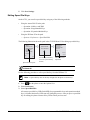
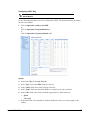
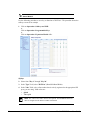
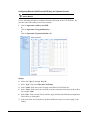
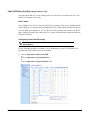
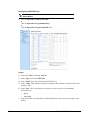
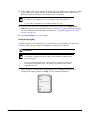
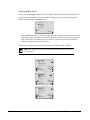
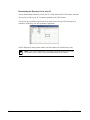
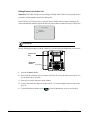
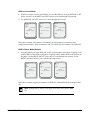
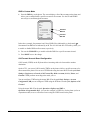
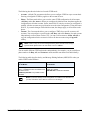
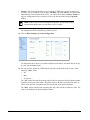
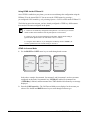
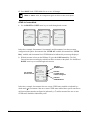
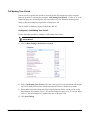
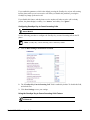
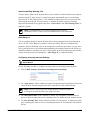
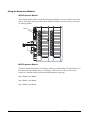
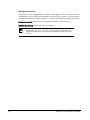
You can save the name, number, and/or label displayed on your screen during an active call to
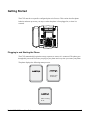
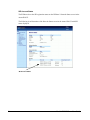
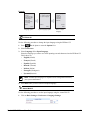
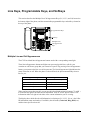
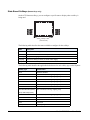
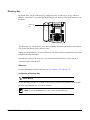
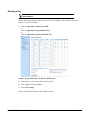
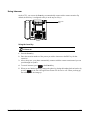
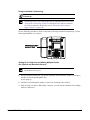
the Directory List using the following procedure. Use the following illustration as a reference.
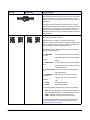
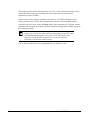
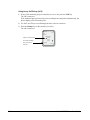
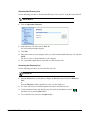
Directory Key
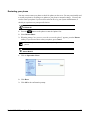
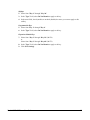
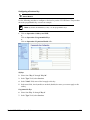
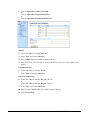
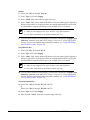
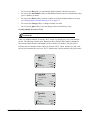
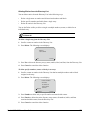
1. During an active call, while the name, number, and/or label of the incoming caller displays
to the LCD, press the Directory key.
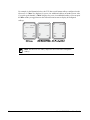
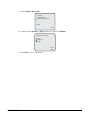
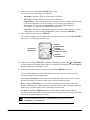
2. Press the Add New key.
The name and/or number from the active call gets stored to the Directory.
178
Model 6755i IP Phone User Guide