1
46
7.4 Backup/Restore
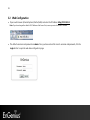
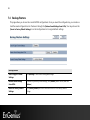
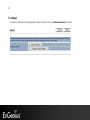
This page allows you to save the current EAP350 configurations. Once you saved the configurations, you can also reload the saved configurations into the device through the [Restore Saved Settings from A File]. You may also use the
[Revert to Factory Default Settings] to set all configurations to its original default settings.
Backup/Restore
Save A Copy of Current
Settings
Click [Backup] to save current configured settings.
Restore Saved Settings
from A File
To restore to previously saved settings, click [Browse], select the file, and click
[Restore].
Revert to Factory Default
Settings
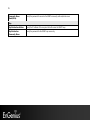
Click [Factory Default] button to restore the EAP350 to its factory default
settings.