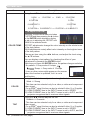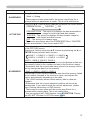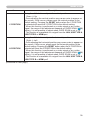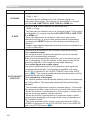
1
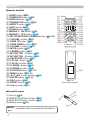
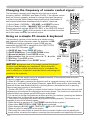
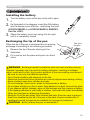
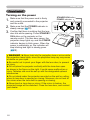
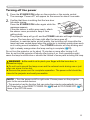
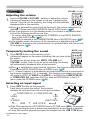
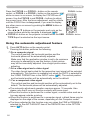
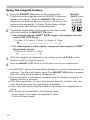
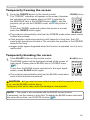
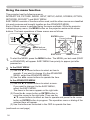
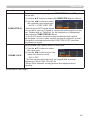
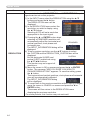
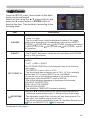
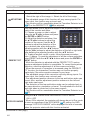
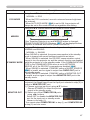
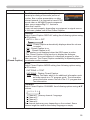
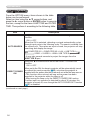
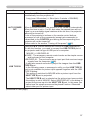
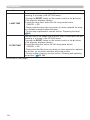
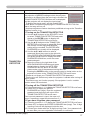
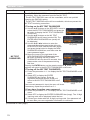
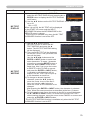
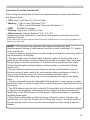
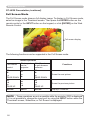
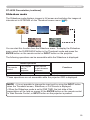
Operating Temporarily freezing the screen the FREEZE button on the remote control. 1. Press The “FREEZE” indication will appear on the screen (however, the indication will not appear when the OFF is selected for the MESSAGE item in the SCREEN menu (52)), and the projector will go into the FREEZE mode, which the picture is frozen. To exit the FREEZE mode and restore the screen to normal, press the FREEZE button again. FREEZE button VIDEO ASPECT MAGNIFY ON MY SOURCE/ COMPUTER DOC.CAMERA AUTO FREEZE SEARCH PAGE UP BLANK VOLUME + DOWN OFF KEYSTONE - 1 FOCUS MY BUTTON - + 2 ー MUTE D-ZOOM + MENU POSITION ● The projector automatically exits from the FREEZE mode when some control buttons are pressed. ● If the projector continues projecting a still image for a long time, the LCD panel might possibly be burned in. Do not leave the projector in the FREEZE mode for too long. ● Images might appear degraded when this function is operated, but it is not a malfunction. ENTER ESC RESET Temporarily blanking the screen BLANK button on the remote control. 1. Press The BLANK screen will be displayed instead of the screen of input signal. Please refer to BLANK item in SCREEN menu (50). To exit from the BLANK screen and return to the input signal screen, press BLANK button again. BLANK button VIDEO ASPECT MAGNIFY ON AUTO FREEZE SEARCH PAGE UP BLANK VOLUME + DOWN OFF KEYSTONE ● The projector automatically exits from the BLANK mode when some control buttons are pressed. MY SOURCE/ COMPUTER DOC.CAMERA - 1 FOCUS MY BUTTON - + 2 ー MUTE D-ZOOM + MENU POSITION ENTER CAUTION ►If you wish to have a blank screen while the projector's lamp is on, use the BLANK function above. Taking any other action may cause the damage on the projector. ESC RESET NOTE • The sound is not connected with the BLANK screen function. If necessary, set the volume or mute first. To display the BLANK screen and mute the sound at one time, use AV MUTE function (60). 29