1
Tips and shortcuts
User Guide
•
•
•
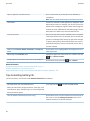
Open all of your messages by clicking on them. If you can't
find all of your unread messages in your inbox, look in your
messages folders.
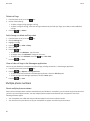
Mark a message as read. Highlight a message. Press the
key > Mark Read.
Mark all messages that are prior to a date as read.
Highlight a date field. Press the
key > Mark Prior
Read.
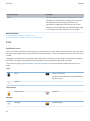
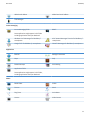
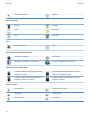
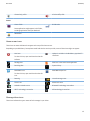
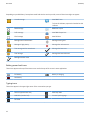
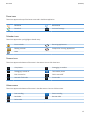
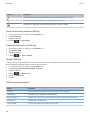
Identify an indicator.
•
You might be able to identify an indicator by seeing the
icon of the application that the indicator refers to. To see
a complete list of applications on your BlackBerry®
smartphone and their icons, on the Home screen or in a
folder, click the Options icon. Click Device > Application
Management.
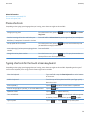
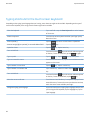
Phone shortcuts
Depending on the typing input language that you're using, some shortcuts might not be available.
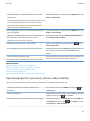
Change your ring tone
From the home screen, press the
key. Press the
key > Phone
Ring Tones.
Send an incoming call to voice mail when your
BlackBerry® smartphone is inserted in a holster
Press and hold the Volume Down key on the right side of your smartphone.
Set up speed dial for a contact
From the home screen, press the
key. Press and hold the key that
you would like to assign speed dial to.
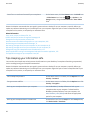
Insert a plus sign (+) when you are typing a phone
number
Press and hold 0.
Change the active phone number
From the home screen, press the
key. Click your phone number at
the top of the screen. Click a phone number.
43