1
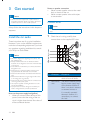
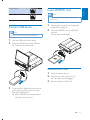
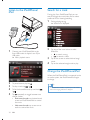
Insert SD/MMC card
E n g lis h
Latin America
Note
Russia, India
This device supports Secure Digital High Capacity
(SDHC) card.
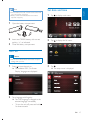
Connect USB device
1
Detach the front panel. (see 'Detach the
front panel' on page 36)
2
Insert the SD/MMC card into SD/MMC
card slot.
» Play starts automatically.
Note
Ensure that the device contains playable content.
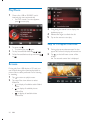
1
2
Push the USB socket cover upside.
Insert the USB device into the USB slot .
» "
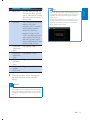
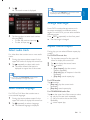
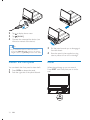
Remove SD/MMC card
3
1
2
Switch to another source.
3
Remove the SD or MMC card.
Press the card until you hear a click.
» The card is now disengaged.
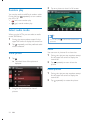
To remove the USB device, switch the car
"
take off the USB device.
» When USB device is disconnected, it
plays the previous source.
EN
19