1
Troubleshooting
2.
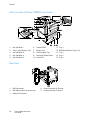
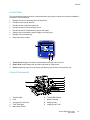
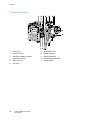
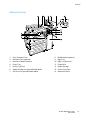
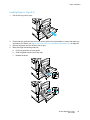
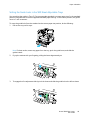
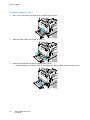
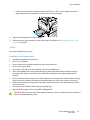
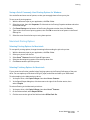
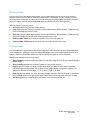
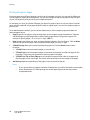
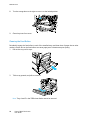
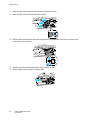
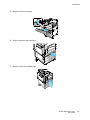
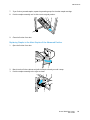
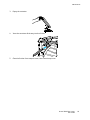
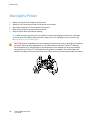
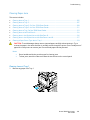
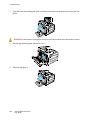
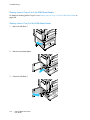
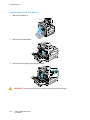
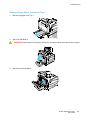
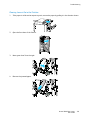
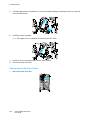
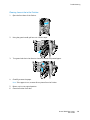
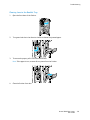
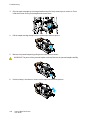
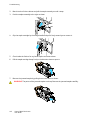
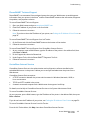
If you did not find jammed paper, push up the latch on the left side of the printer to open Left Side
Door A.
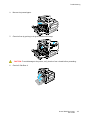
WARNING: Internal parts of the printer can be hot. Use caution when doors and covers are open.
3.
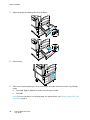
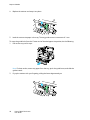
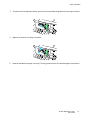
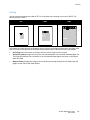
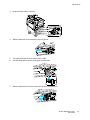
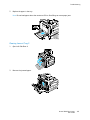
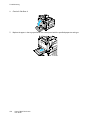
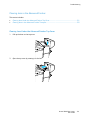
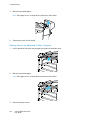
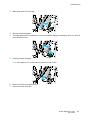
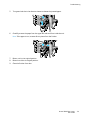
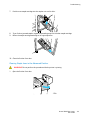
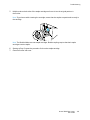
Remove any remaining paper jammed in Tray 1.
4.
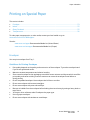
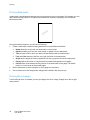
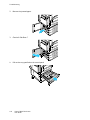
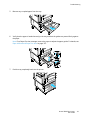
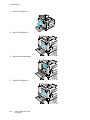
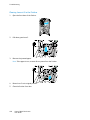
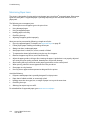
Close Left Side Door A.
106
Phaser 7800 Color Printer
User Guide