1
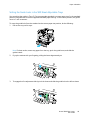
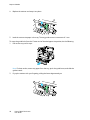
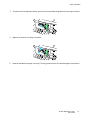
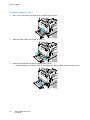
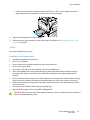
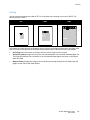
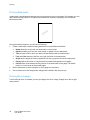
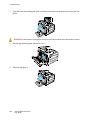
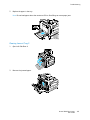
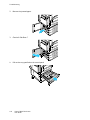
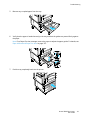
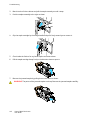
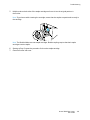
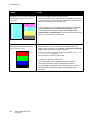
Troubleshooting Problem Solution Vertical White Lines or Streaks - One Color 1. Print the test pages to identify the affected color. Lines or streaks appear in one color of 2. To clean the LED window for the affected color, pull out the cleaning rod your output. until it stops, then move it all the way in. Repeat three more times. Then repeat this procedure for each affected color. Notes: To print procedures on resolving print-quality problems, touch Printer > Tools > Troubleshooting > Troubleshoot Print Quality > Print. To view a video on resolving this problem, touch Printer > Tools > Troubleshooting > Resolve Problems. Then select a topic and touch the video icon in the top bar to view the video. Toner Missing or Easy to Rub Off Toner appears to be missing from the print or is easy to rub off. 1. Verify that the paper you are using is the correct type for the printer and is loaded properly. For information on supported paper types and weights, at the control panel, touch Printer > Print Reference Materials > Paper Tips > Print to print the Paper Tips pages. 2. Perform the Calibrate Paper Type procedure. For details, see Optimizing Printer Performance on page 29. 3. At the control panel, select a heavier paper. Note: Papers from lightest to heaviest are: For uncoated paper: Plain, Lightweight Cardstock, Cardstock, Heavyweight Cardstock, and Extra Heavyweight Cardstock. For coated paper: Lightweight Glossy Cardstock, Glossy Cardstock, Heavyweight Glossy Cardstock, and Extra Heavyweight Glossy Cardstock. 150 Phaser 7800 Color Printer User Guide