1
CHAPTER 14 | Basic Administration Protocols
Power over Ethernet
ES-2050 Series
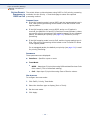
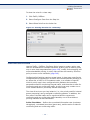
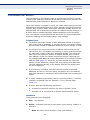
The switch’s power management enables individual port power to be
controlled within the switch’s power budget. Port power can be
automatically turned on and off for connected devices, and a per-port
power priority can be set so that the switch never exceeds its power
budget. When a device is connected to a switch port, its power
requirements are detected by the switch before power is supplied. If the
power required by a device exceeds the power budget of the port or the
whole switch, power is not supplied.
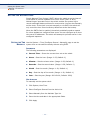
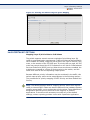
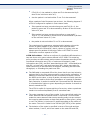
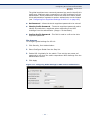
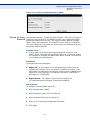
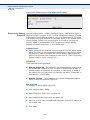
Ports can be set to one of four power priority levels, critical, high, medium,
or low. To control the power supply within the switch’s budget, ports set at
critical to medium priority have power enabled in preference to those ports
set at low priority. For example, when a device connected to a port is set to
critical priority, the switch supplies the required power, if necessary by
denying power to ports set for a lower priority during bootup.
NOTE: For more information on using the PoE provided by this switch refer
to the Installation Guide.
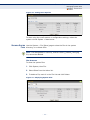
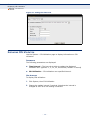
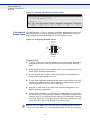
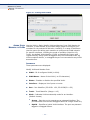
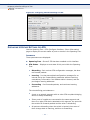
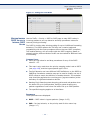
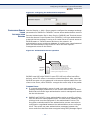
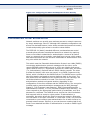
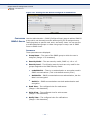
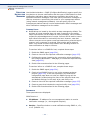
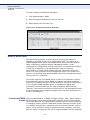
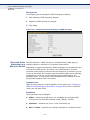
DISPLAYING THE Use the Administration > PoE (Configure Global) page to display the
SWITCH’S OVERALL maximum PoE power budget for the switch (power available to all RJ-45
POE POWER BUDGET ports). The maximum power budget is fixed at the maximum available
setting, which prevents overload conditions at the power source. If the
power demand from devices connected to the switch exceeds the power
budget, the switch uses port power priority settings to limit the supplied
power.
PARAMETERS
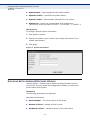
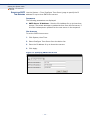
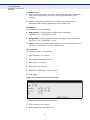
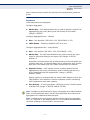
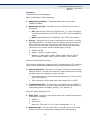
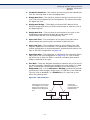
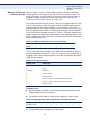
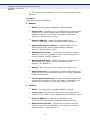
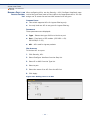
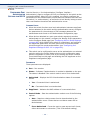
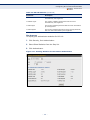
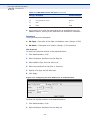
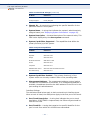
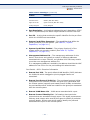
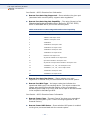
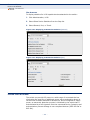
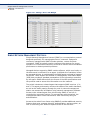
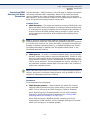
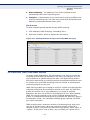
These parameters are displayed:
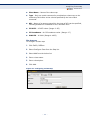
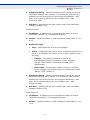
◆
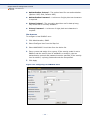
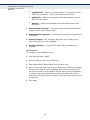
PoE Maximum Available Power – The power budget for the switch.
If devices connected to the switch require more power than the switch
budget, the port power priority settings are used to control the supplied
power. (Fixed: 400 Watts)
◆
System Operation Status – Status of the PoE power service provided
to the switch ports.
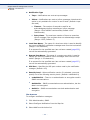
◆
PoE Power Consumption – The amount of power being consumed by
PoE devices connected to the switch.
◆
Software Version – The version of software running on the PoE
controller subsystem in the switch.
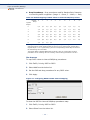
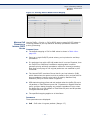
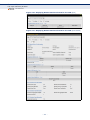
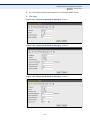
WEB INTERFACE
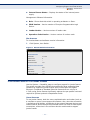
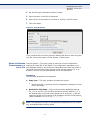
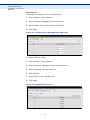
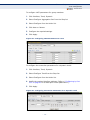
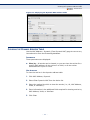
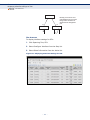
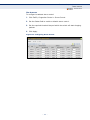
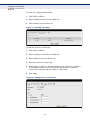
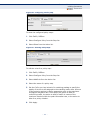
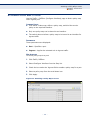
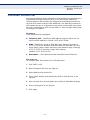
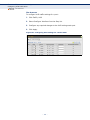
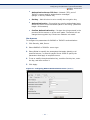
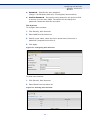
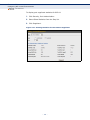
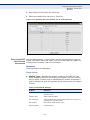
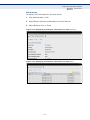
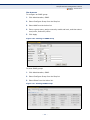
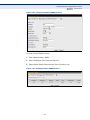
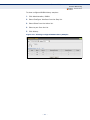
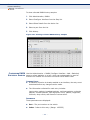
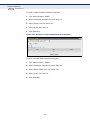
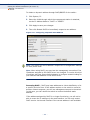
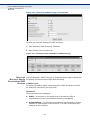
To set the overall PoE power budget for switch:
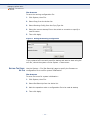
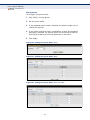
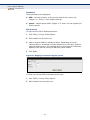
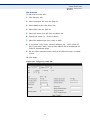
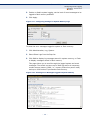
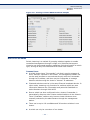
1. Click Administration, PoE.
2. Select Configure Global from the Step list.
– 219 –